

XPPen Artist Drawing Tablet
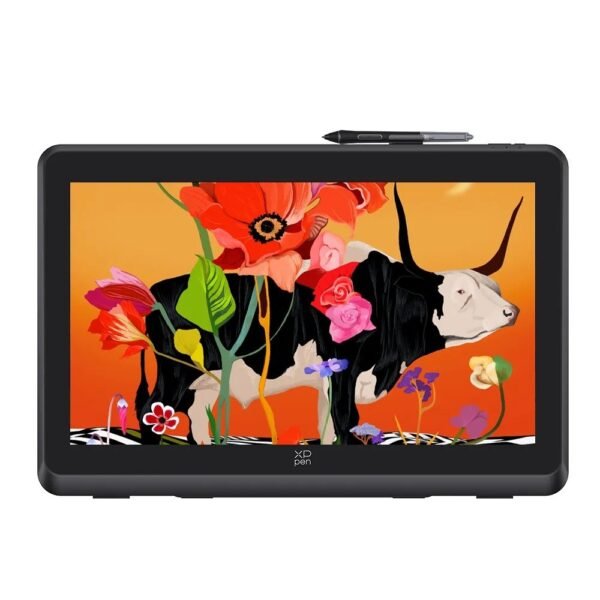
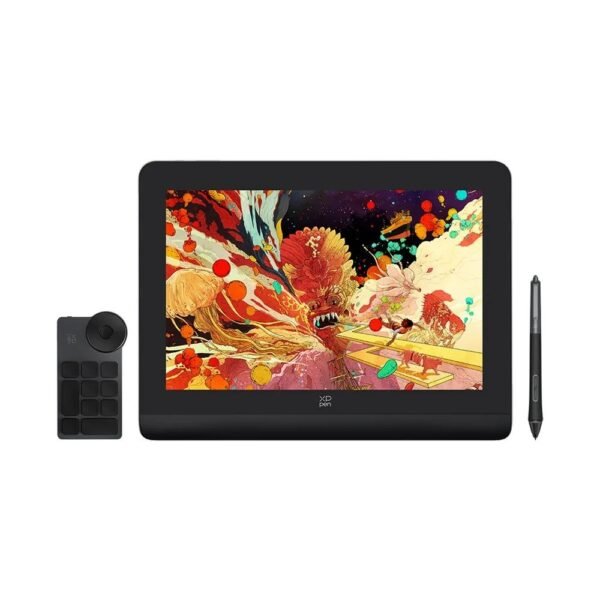
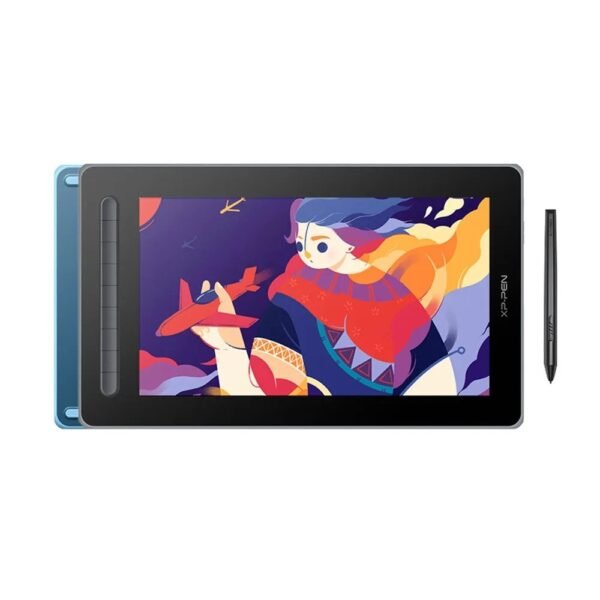
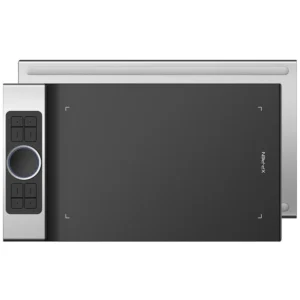 XPPen Artist Drawing Tablet: Create, Illustrate and Design with a Natural Digital Pen Experience
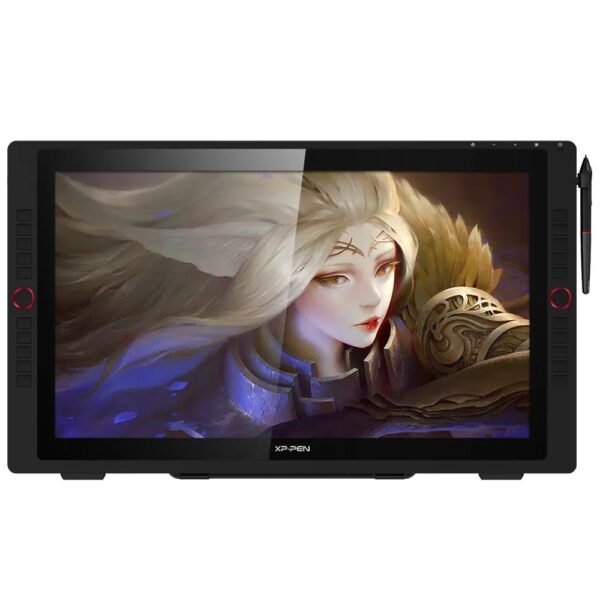
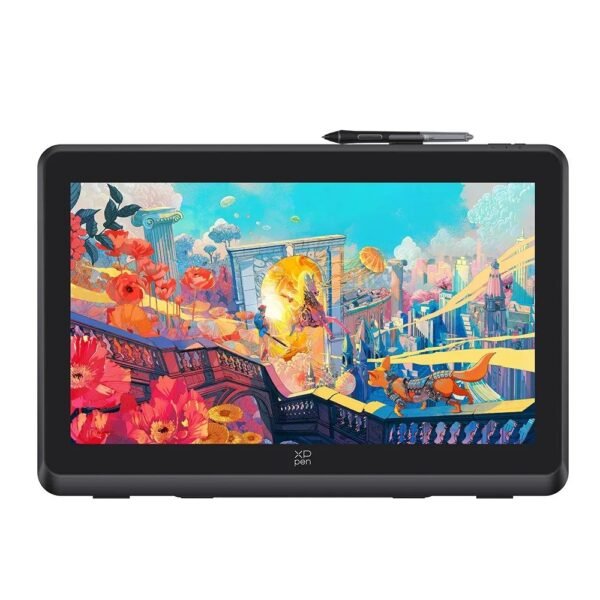
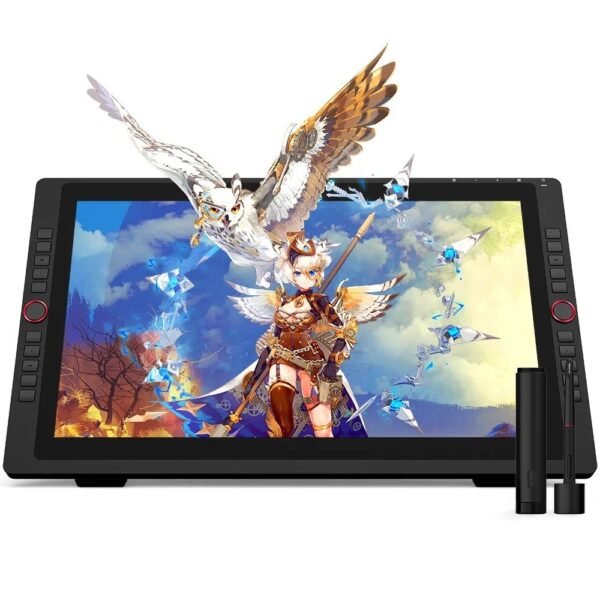
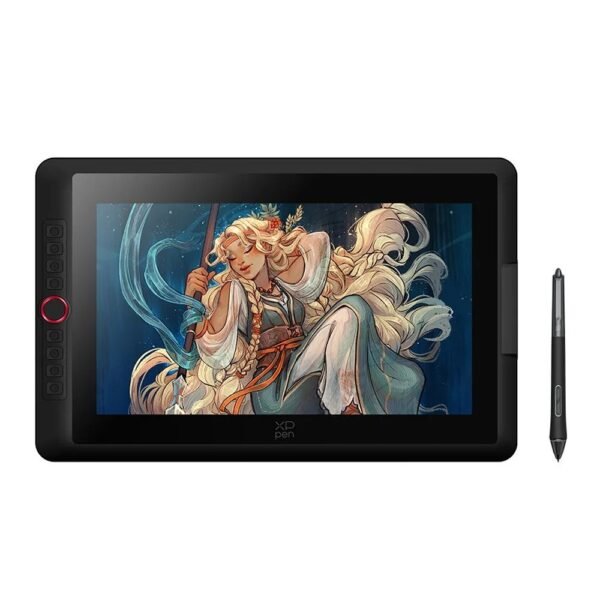
An XPPen Artist Drawing Tablet gives digital artists a more direct and natural way to draw, paint, edit, animate, design, and retouch images. Unlike a standard graphics tablet, an XPPen Artist pen display lets you draw directly on the screen, making it easier to see the relationship between your hand, stylus, brushstroke, and artwork.
XPPen Artist drawing displays are suitable for beginners learning digital art, hobby illustrators, students, comic artists, graphic designers, photographers, 3D creators, animators, and professional studios. The range includes compact portable displays, large desktop drawing monitors, high-resolution 2.5K and 4K Artist Pro models, and newer OLED options for artists who want premium colour, contrast, and pen precision.
The best XPPen Artist Drawing Tablet depends on how you work. A compact 12-inch or 14-inch model can be ideal for students and limited desk spaces, while a 16-inch or 22-inch display offers a larger creative canvas. Professional users who need detailed retouching, 3D work, print design, or accurate colour workflows may prefer an Artist Pro 19 or Artist Pro 24 4K model.
XPPen Artist Drawing Tablet
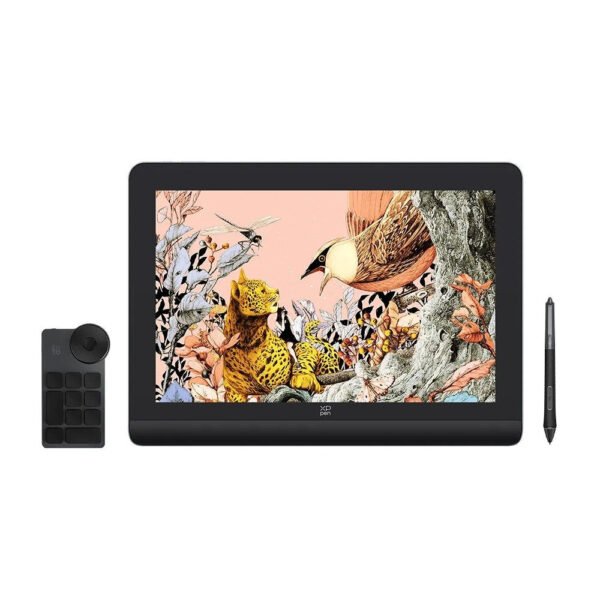
An XPPen Artist Drawing Tablet is a pen display that connects to a compatible computer, laptop, and, on selected models, other supported devices. The display shows your artwork while the battery-free stylus tracks pressure, tilt, and movement as you draw directly on its surface.
This workflow feels closer to drawing on paper than using a traditional non-screen graphics tablet. When you draw with an XPPen Artist pen display, you see the cursor and brushstroke appear beneath the pen tip. This can make sketching, painting, tracing, lettering, image editing, and line-art work easier to learn.
An XPPen Artist Drawing Tablet can be used for:
Digital illustration.
Character design.
Comic and manga art.
Graphic design.
Photo retouching.
Concept art.
2D animation.
3D modelling and texturing.
Architectural drawing.
Fashion design.
Calligraphy and lettering.
Social-media graphics.
Product mock-ups.
Educational projects.
Video thumbnail design.
Most Artist drawing tablets are display peripherals, meaning they need a computer or laptop to operate. For example, the Artist 12 requires connection to a Windows, macOS, or compatible Linux computer. Always check the product page before purchase because some XPPen products, such as the Magic Drawing Pad, are standalone Android tablets, while most Artist pen displays are not.
XPPen Artist
The XPPen Artist series is designed for digital creatives who want a display-based drawing experience at different sizes and price points. The range includes affordable entry-level products, portable mid-size models, larger desktop displays, and Artist Pro versions for colour-sensitive professional workflows.
The core advantage of the XPPen Artist range is direct on-screen drawing. This is particularly useful for people transitioning from paper sketchbooks to digital art. It can also improve precision during photo retouching, vector work, 3D painting, and fine line art.
When choosing an XPPen Artist model, compare:
Entry-level models can be excellent for learning. Premium displays offer higher resolution, wider color accuracy, larger drawing areas, more advanced styluses, touch support, and improved screen finishes.
XPPen Artist Tablet
An XPPen Artist Tablet is often referred to as a graphics tablet, but it is more accurately described as a pen display when it includes a screen. The stylus is used directly on the visible display, allowing artists to work naturally with their hand near the area they are drawing.
A tablet with a built-in drawing display can be particularly helpful for:
Beginners who find non-screen tablets difficult.
Artists working with detailed line art.
Photo editors using masks and brush tools.
Designers producing precise vector shapes.
Animators drawing frame-by-frame.
Illustrators who prefer a familiar pen-on-surface feel.
Professionals who need a secondary display for creative tools.
The XPPen Artist 12 is a compact entry-level pen display with an 11.6-inch Full HD IPS screen, 1,920 × 1,080 resolution, a battery-free stylus, 8,192 pressure levels, six shortcut keys, and a touch pad. It is designed for drawing, painting, image editing, and 3D animation.
This kind of display is a practical option for students, hobby artists, and creators with limited desk space. It is more portable than a 22-inch or 24-inch unit, while still giving users a direct drawing surface.
XPPen Artist Display
An XPPen Artist Display is the screen portion of the creative workspace. Its quality affects how accurately you see colours, how comfortable it feels to work for long periods, and how natural the pen-to-screen experience becomes.
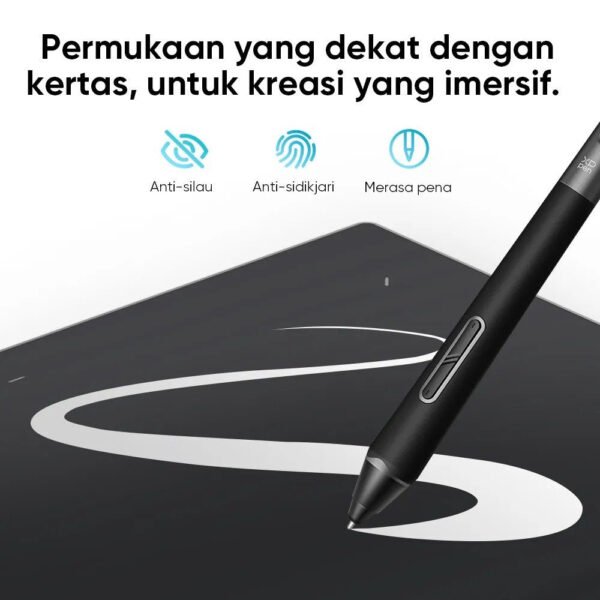
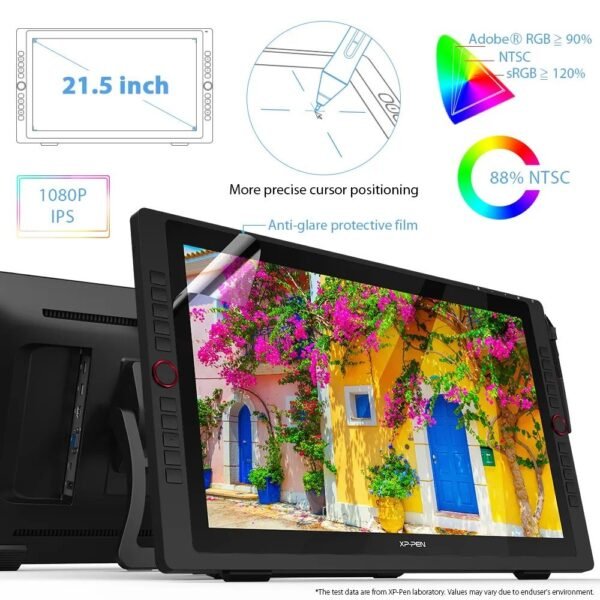
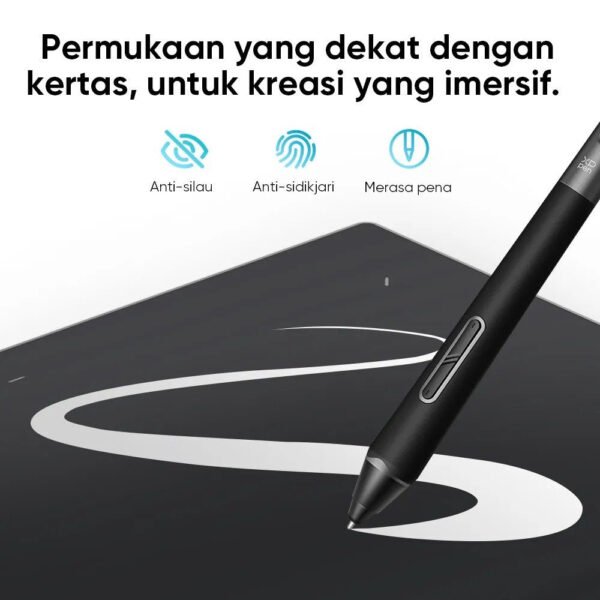
A fully laminated display is especially useful because it reduces parallax. Parallax is the visible gap between the glass surface and the actual display layer. When the screen is fully laminated, the line or cursor appears closer to the pen tip, making drawing feel more precise.
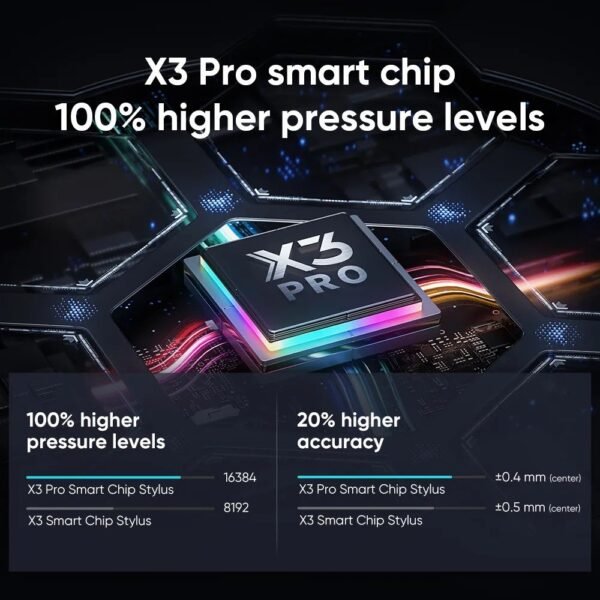
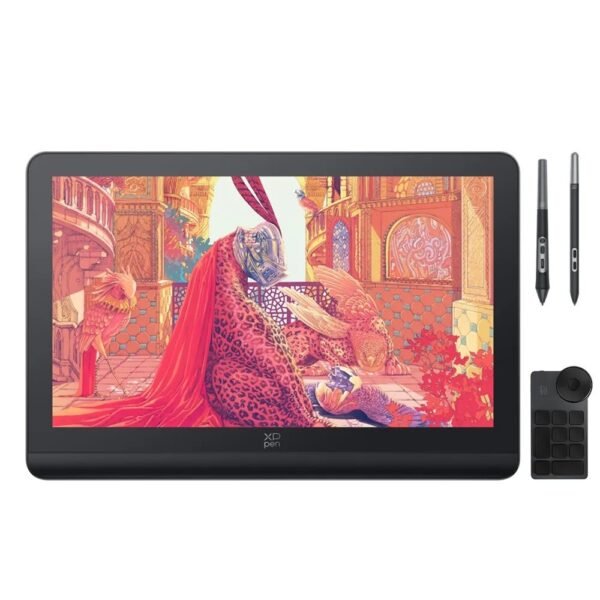
XPPen’s Artist Pro 16 Gen 2 includes a 2.5K display, high colour accuracy with a stated Delta E below 2.2, 16K pressure levels through the X3 Pro smart-chip stylus, a fully laminated screen, and an integrated foldable stand.
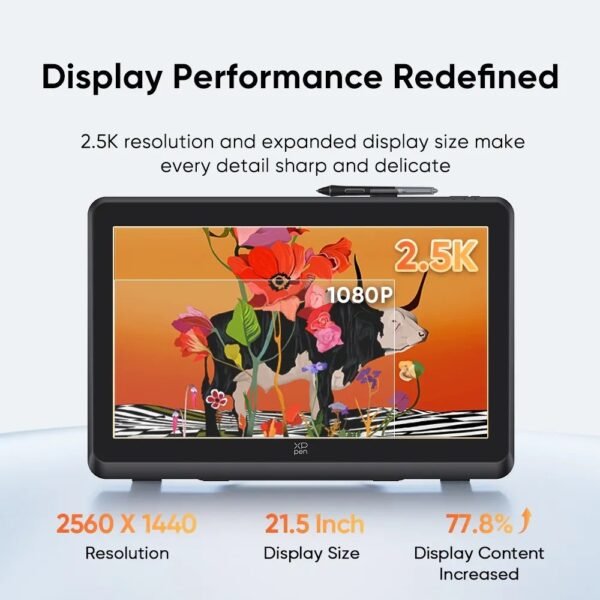
The Artist 22 Plus offers a larger 21.5-inch display, Full HD 1,920 × 1,080 resolution, 99% sRGB coverage, 16K pressure sensitivity, USB-C connectivity, and a fully laminated screen.
A larger drawing display can improve workflow because it gives more https://www.xp-pen.com/au-store/ space for the canvas, reference images, tool panels, and detailed work. However, it also requires a larger desk and usually works best with an adjustable stand or monitor arm.
XPPen Artist Pen Display
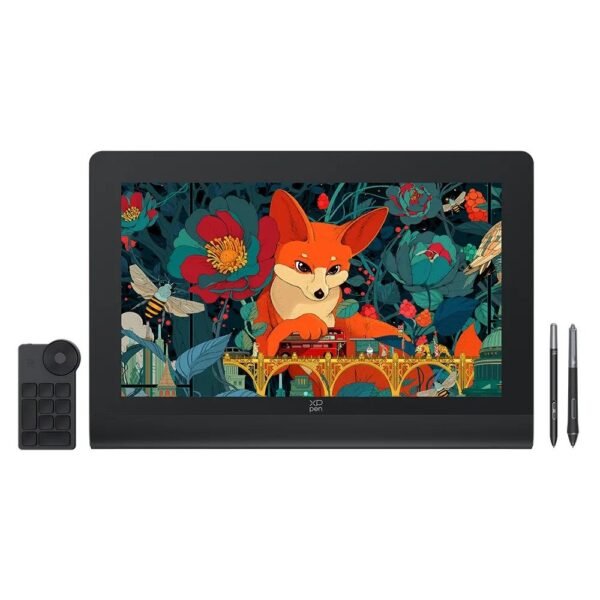
An XPPen Artist Pen Display combines a display panel with a pressure-sensitive stylus. This differs from a standard computer monitor because the screen is built for direct pen input, allowing brush, line, and pressure controls in creative software.
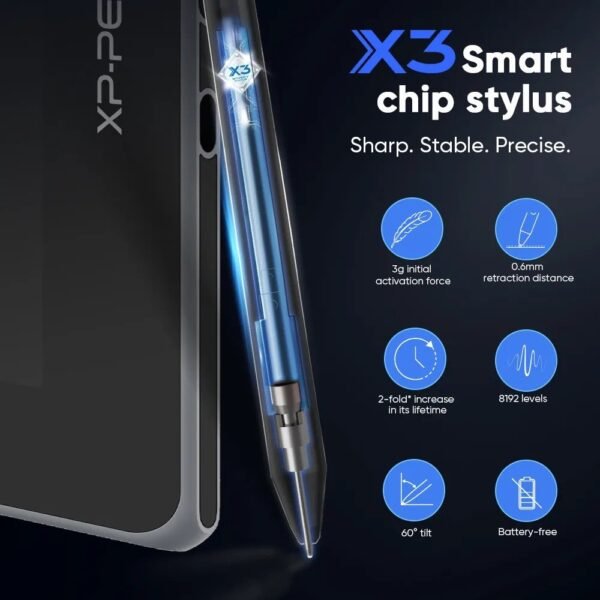
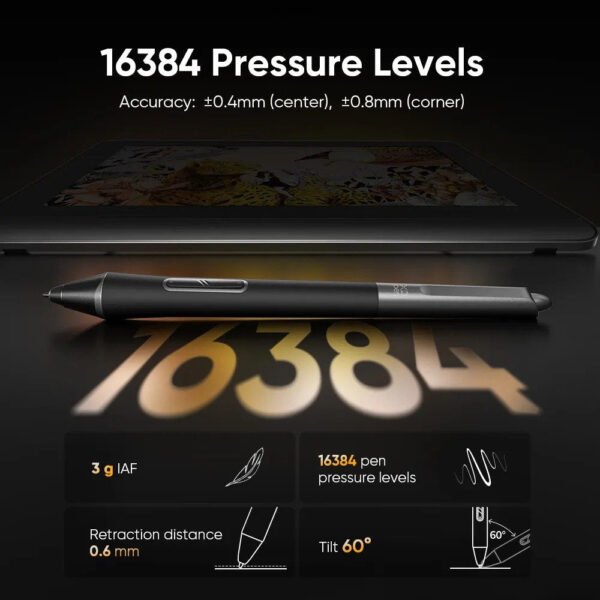
Stylus pressure sensitivity matters because it allows the artist to change line thickness, opacity, or brush strength based on how firmly the pen touches the screen. Tilt support makes shading feel more natural by allowing certain brushes to respond to the angle of the pen, similar to using the side of a traditional pencil.
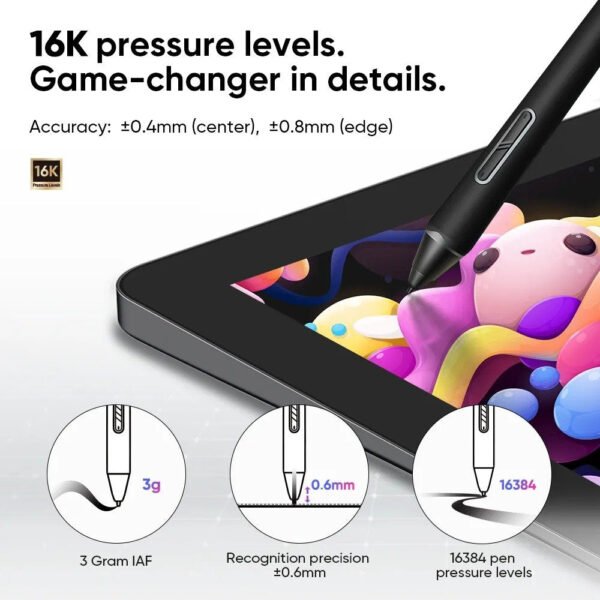
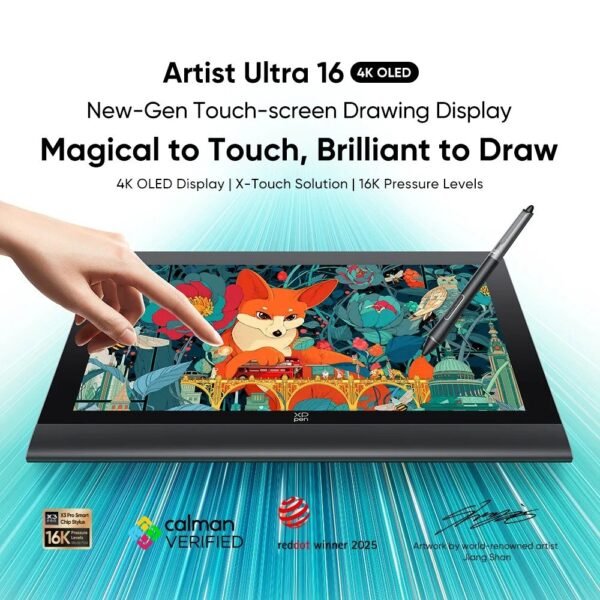
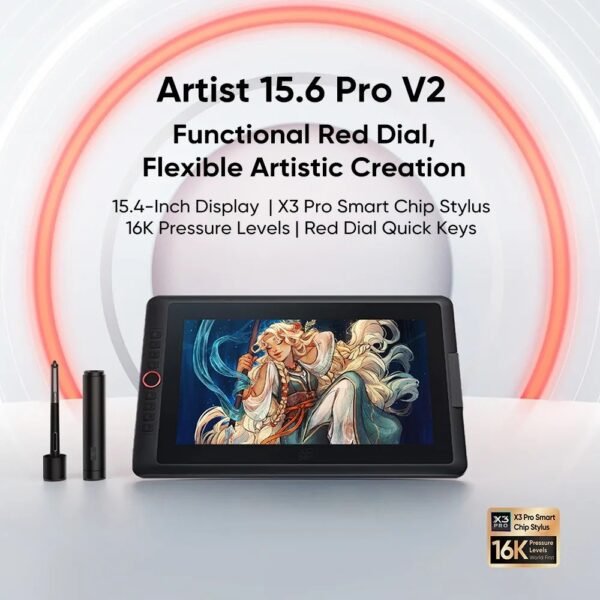
Many newer XPPen Artist Pro displays use the X3 Pro smart-chip stylus with 16,384 pressure levels, commonly described as 16K pressure sensitivity. This provides a high level of control for illustration, painting, shading, and retouching. XPPen Artist Drawing Tablet
The Artist 22 second generation, for example, uses a battery-free PA6 stylus with 8,192 pressure levels and support for up to 60 degrees of tilt. It also provides a 21.5-inch Full HD display with 122% sRGB colour coverage.
For everyday drawing, the difference between 8,192 and 16,384 pressure levels may not be immediately visible to every beginner. More important factors can include pen comfort, display size, calibration, screen texture, driver stability, colour accuracy, and how well the device suits your desk setup.
XPPen Artist for Sale
When searching for an XPPen Artist for Sale, decide whether you want an affordable starter display, a portable premium tablet, a large desktop canvas, or a colour-accurate professional model.
A compact Artist 12 may be best for beginners. A 15.6-inch or 16-inch Artist Pro can balance portability and workspace. A 22-inch or 24-inch model can suit artists who draw daily, work with detailed illustrations, or need greater screen space for professional projects.
The XPPen Artist 12 was listed through XPPen Australia at AU$198.79, reduced from AU$279.99, at the time of the product listing. The price includes an 11.6-inch Full HD display, 8,192-level battery-free stylus, six shortcut keys, and touch pad controls. Prices and promotions can change.
Buying during a sale can provide meaningful savings, but always compare the included accessories. Check whether the package includes the stylus, pen holder, cables, stand, drawing glove, spare nibs, power adapter, and compatible connection cables.
XPPen Artist Pro
The XPPen Artist Pro range is designed for users who need a more advanced drawing display. Artist Pro models commonly offer improved resolution, stronger colour performance, fully laminated displays, more advanced styluses, and better ergonomic options than entry-level products.
The XPPen Artist Pro 16 Gen 2 is a portable professional-style drawing display with a 16-inch 2.5K 2,560 × 1,600 display, X3 Pro smart-chip stylus, 16K pressure levels, a fully laminated screen, and support for multiple colour spaces. It can connect through a full-featured USB-C cable or an HDMI 3-in-1 cable.
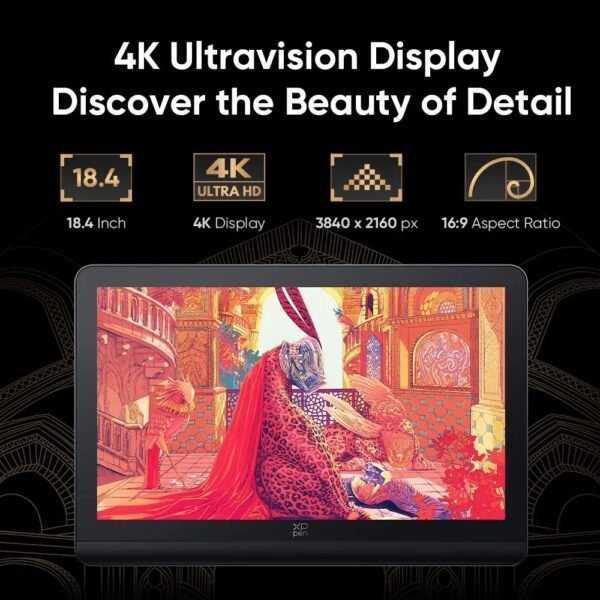
The XPPen Artist Pro 19 Gen 2 offers an 18.4-inch 4K display with 3,840 × 2,160 resolution, 99.8% sRGB coverage, Calman verification, 16K pressure sensitivity, and USB-C connectivity.
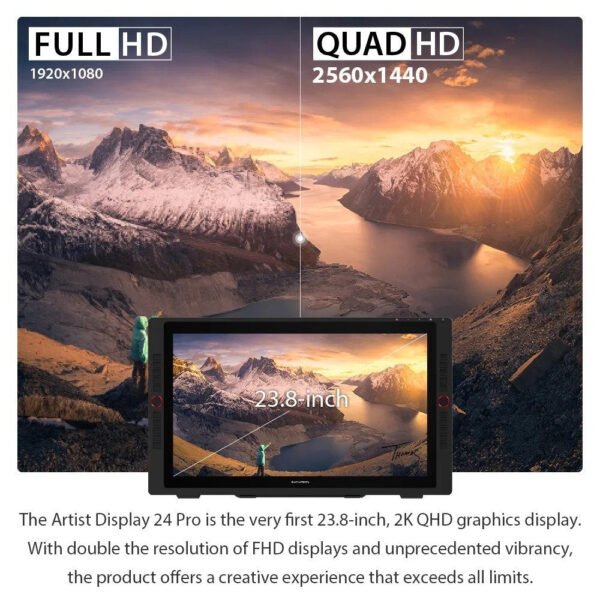
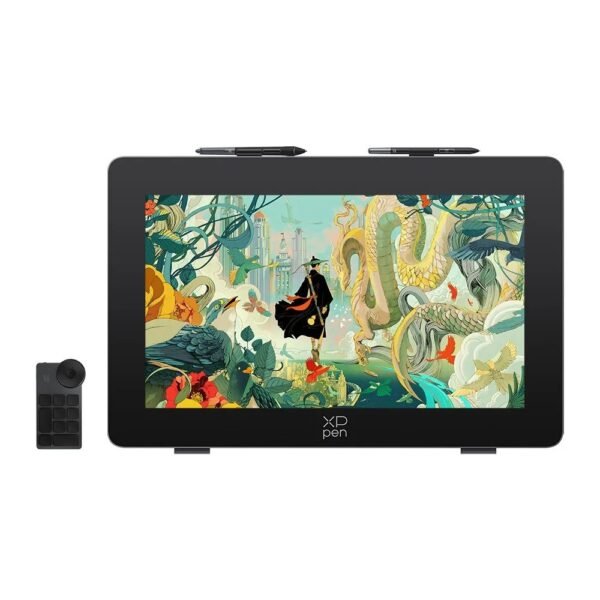
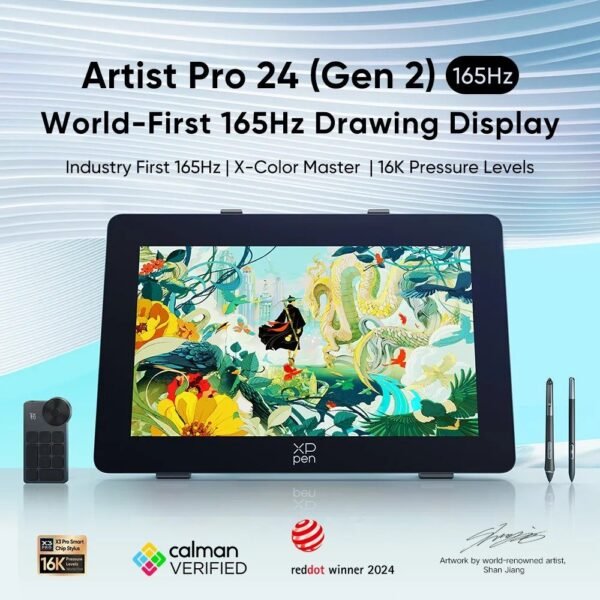
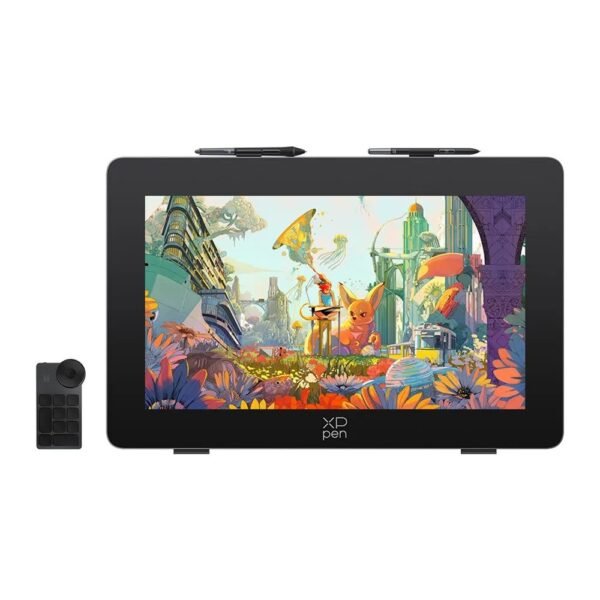
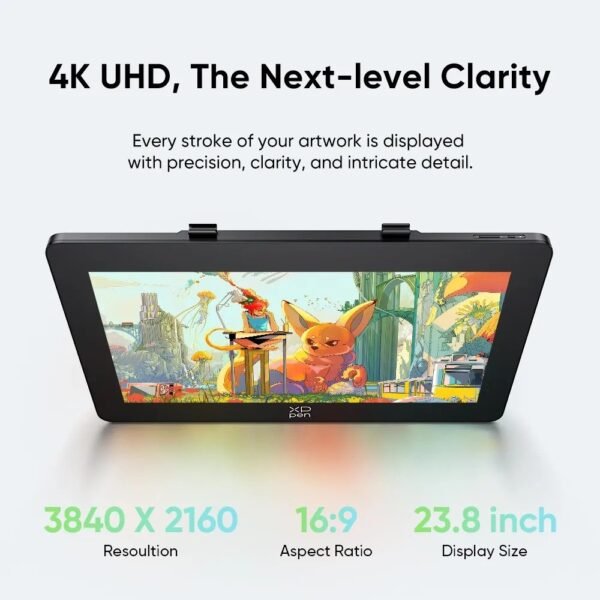
For a larger professional workstation, the Artist Pro 24 Gen 2 4K provides a 23.8-inch 4K display, Calman-verified colour performance, AG nano-etched anti-glare glass, and dual 16K pressure styluses.
Artist Pro is a better choice for creators who:
Work on paid illustration or design projects.
Need detailed 2.5K or 4K resolution.
Edit high-resolution photography.
Create print-ready artwork.
Use colour-sensitive workflows.
Spend many hours drawing each day.
Need a large, comfortable visual workspace.
Use advanced creative software.
Want higher-end pen control and display finishes.
XPPen Artist Australia
For buyers searching XPPen Artist Australia, the official XPPen Australian store offers local pricing, product details, and a selection of Artist drawing displays. Australian buyers can also compare stock and pricing from established local retailers such as JB Hi-Fi.
XPPen’s Australian pen-display collection includes Artist Pro 14 Gen 2, Artist Pro 16 Gen 2, Artist 15.6 Pro V2, Artist 22 Plus, and other drawing-display options. The store notes that these Artist displays require connection to a computer or laptop to function.
Buying local Australian stock can make it easier to access compatible power adapters, local warranty support, straightforward returns, and faster delivery. Before checkout, verify:
Exact model number.
Included stylus and accessories.
Computer or laptop requirements.
Operating-system compatibility.
Cable and port requirements.
Australian warranty terms.
Return policy.
Whether a stand is included.
Delivery and insurance terms.
Current sale conditions.
XPPen Drawing Tablet
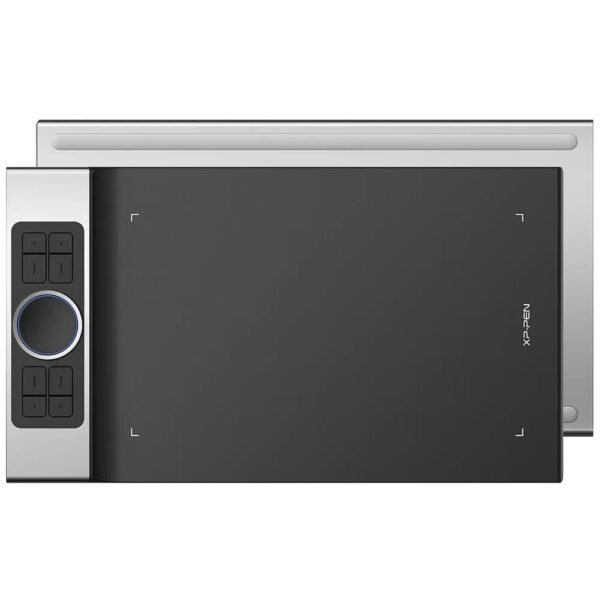
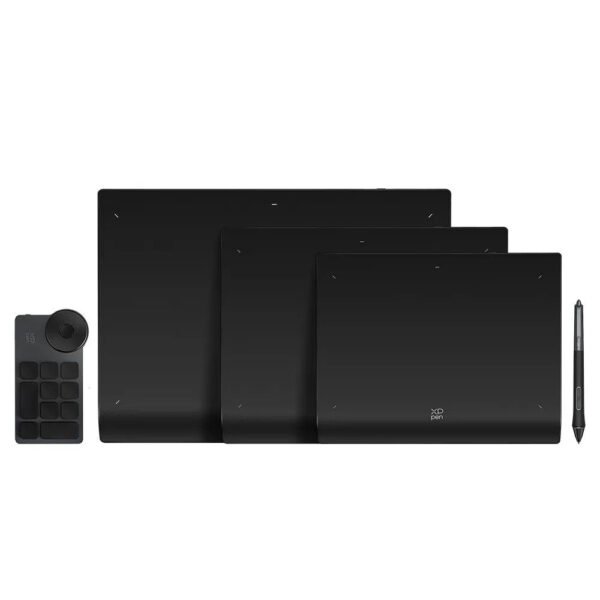
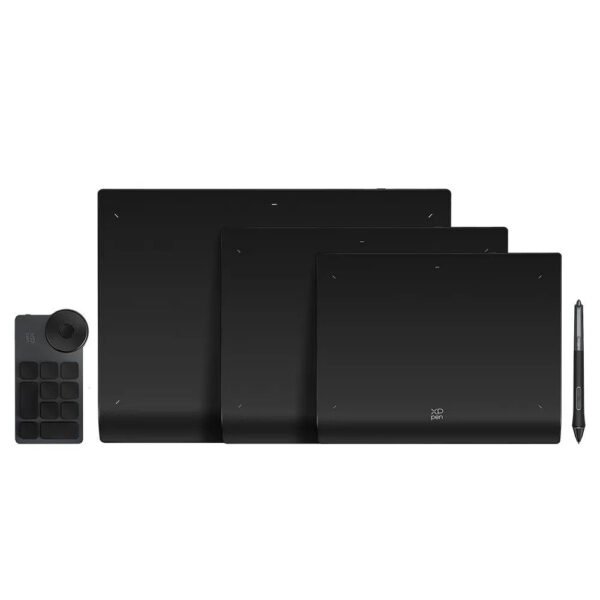
An XPPen Drawing Tablet can refer to either a traditional screenless graphics tablet, an Artist pen display, or a standalone Android drawing device. These categories are different, so confirm the product type before buying.
A screenless tablet uses a drawing area that maps to your computer monitor. It is usually more affordable and portable, but it requires hand-eye coordination because you draw on one surface while looking at another.
An Artist pen display has its own screen, allowing direct drawing. It costs more but can feel more intuitive and visually engaging.
A standalone tablet such as XPPen’s Magic Drawing Pad can run independently without a connected computer. The Magic Drawing Pad has a 12.2-inch matte paper-like display, X3 Pro stylus, pre-installed creative apps, and Android operation. It was listed at AU$799.99 during an XPPen Australian sale, reduced from AU$999.99.
Choose a traditional graphics tablet if you want the lowest-cost drawing input device. Choose an XPPen Artist Drawing Tablet if you want direct screen-based drawing. Choose a standalone Android tablet if you need portable drawing without carrying a laptop.
XPPen Artist for Sale
A second search for XPPen Artist for Sale should include the size of your workspace and how you prefer to draw. Screen size is a major practical consideration.
The larger the tablet, the more naturally you can work with broad brush strokes and detailed composition. However, a compact 12-inch device is easier to transport and may be more comfortable if you often work at a laptop or have limited desk depth.
XPPen Artist Tablet for Sale
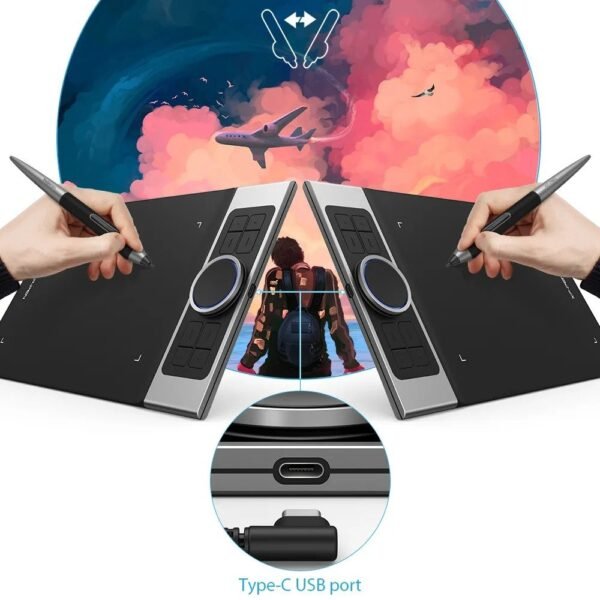
An XPPen Artist Tablet for Sale should be purchased with connection needs in mind. Most pen displays require either USB-C with DisplayPort Alt Mode or a combination cable that carries video, data, and power.
Before buying, check your computer’s ports. Some laptops support a full-featured USB-C connection that can handle a pen display with one cable. Others may need the included HDMI and USB connection bundle. A desktop computer may need an HDMI or DisplayPort output alongside USB for pen data.
The Artist Pro 16 Gen 2 supports a full-featured USB-C cable or a 3-in-1 HDMI connection cable, depending on the host computer and available ports.
If you use a Mac, Windows PC, Linux device, Chromebook, or Android device, check the model’s compatibility list. XPPen’s compatibility can vary by tablet, operating system, driver version, and cable type.
XPPen Artist Drawing Tablet for Sale
When comparing an XPPen Artist Drawing Tablet for Sale, also budget for the complete workstation:
Drawing display.
Compatible computer or laptop.
Correct USB-C or HDMI connection cables.
Adjustable stand or monitor arm.
Stylus and spare nibs.
Drawing glove.
Keyboard and mouse.
External monitor, if needed.
Creative software.
File backup storage.
Ergonomic chair and desk.
A drawing tablet can improve your creative workflow, but posture is important. Position the display at a comfortable angle, avoid bending your neck for long periods, and take regular breaks. A stand or monitor arm can make a large difference in comfort during long illustration sessions.
Buy XPPen Artist
When you Buy XPPen Artist, choose based on your current projects and likely future needs.
Choose an Artist 12 or similar compact display if you are learning digital art, working on a budget, or need portability. Choose an Artist Pro 16 Gen 2 if you want a high-resolution mid-size display with advanced pen sensitivity and wide creative-software compatibility. Choose an Artist Pro 19 or Artist Pro 24 4K if you need larger workspace, detailed resolution, and more colour-critical professional performance.
A good first XPPen Artist setup could include an Artist 12 or Artist Pro 16, a compatible laptop, a simple stand, and software such as Krita, Clip Studio Paint, Adobe Photoshop, Adobe Illustrator, Blender, or other supported creative programs. XPPen lists support for programs including Clip Studio Paint, GIMP, Krita, MediBang, FireAlpaca, Toon Boom, Maya, and Blender on the Artist Pro 16 Gen 2.
Buy XPPen Artist Online
Choosing to Buy XPPen Artist Online allows you to compare display sizes, current promotions, accessories, specifications, and Australian delivery conditions. XPPen Australia’s official store has listed Artist Pro 16 Gen 2 at AU$554.99, reduced from AU$739.99, and Artist Pro 24 Gen 2 4K at AU$1,329.99, reduced from AU$1,899.99, during a site-wide sale.
Prices and promotions change, so compare the official store with established Australian retailers. Verify that you are buying the correct generation of the device, because newer models may have different resolution, colour performance, stylus technology, stand inclusion, and connection requirements.
XPPen Artist Online
Shopping for XPPen Artist Online is easiest when you use a checklist. Confirm screen size, resolution, pen-pressure level, colour coverage, stand, cable requirements, software compatibility, and warranty before ordering.
For example, the Artist 22 Plus offers a larger 21.5-inch creative workspace and 16K pressure sensitivity, but its Full HD resolution has lower pixel density than a smaller 4K Artist Pro 19. A large Full HD screen may be comfortable for sketching and illustration, while a 4K display may be better for detailed photo retouching, UI design, print work, and fine line art.
XPPen Artist Price
The XPPen Artist Price depends on the display size, resolution, stylus technology, colour accuracy, screen finish, included stand, connection features, and product generation.
Entry-level Artist displays are generally the most affordable. The Artist 12 has been listed at AU$198.79 during a promotion. Mid-range Artist Pro models can cost several hundred dollars, while large 4K professional models may cost more than AU$1,000.
At the time of Australian sale coverage, examples included:
XPPen Artist 12: AU$198.79, reduced from AU$279.99.
XPPen Artist Pro 16 Gen 2: AU$554.99, reduced from AU$739.99.
XPPen Artist Pro 19 Gen 2: AU$1,049.99, reduced from AU$1,499.99.
XPPen Artist Pro 24 Gen 2 4K: AU$1,329.99, reduced from AU$1,899.99.
XPPen Artist Pro 27 Gen 2: AU$2,174.99, reduced from AU$2,899.99.
These are time-specific promotion examples, not permanent prices. Check current Australian listings before purchase.
XPPen Artist Deals
The best XPPen Artist Deals are the ones that include features you will use every day. A lower-priced display without a stand, required cable, or suitable screen size may not be the best value.
Look for deals that include:
Battery-free stylus.
Spare pen nibs.
Pen case or holder.
Adjustable stand.
Full-featured USB-C cable.
HDMI connection cable.
Drawing glove.
Creative software offer.
Local warranty.
Free delivery.
Discounted bundles with accessories.
XPPen’s Artist Pro 16 Gen 2 includes one free creative software offer in selected packages, though software availability and promotion conditions can change.
XPPen Artist Best Price
Finding the XPPen Artist Best Price means matching the tablet to your experience level, software, desk space, and budget.
The right XPPen Artist Drawing Tablet should fit the way you create, not simply offer the biggest screen or highest specification.
XPPen Artist Australia
For XPPen Artist Australia buyers, local availability includes compact and professional pen displays through the official XPPen Australian store and major retailers. The XPPen Artist 22 Plus, for example, is available through JB Hi-Fi with a 22-inch Full HD display, 16K pressure sensitivity, 99% sRGB coverage, and USB-C connectivity.
Before buying, confirm that your computer supports the required video output and that the package includes the right cables. Also verify Australian warranty coverage and return conditions.
XPPen Artist for Sale Australia
An XPPen Artist for Sale Australia can be a worthwhile investment for anyone moving from traditional drawing to digital illustration or upgrading a basic graphics tablet to a display-based workspace. The most important factors are screen size, resolution, stylus performance, colour needs, computer compatibility, and ergonomics.
For beginners, an affordable 12-inch Artist display can provide an approachable first digital canvas. For most serious artists, a 16-inch Artist Pro offers a strong balance of portability, resolution, and drawing area. For professionals who require large, precise, colour-accurate creative workspaces, an Artist Pro 19 or Artist Pro 24 4K can provide the room and detail needed for advanced illustration, retouching, animation, and design.
Choose the XPPen Artist Drawing Tablet that fits your current workflow, allows room for your skills to grow, and works comfortably with your desk and computer. With the right display, stylus, software, and ergonomic setup, XPPen Artist can become a powerful central tool for years of digital creativity. Contact Us