
Description
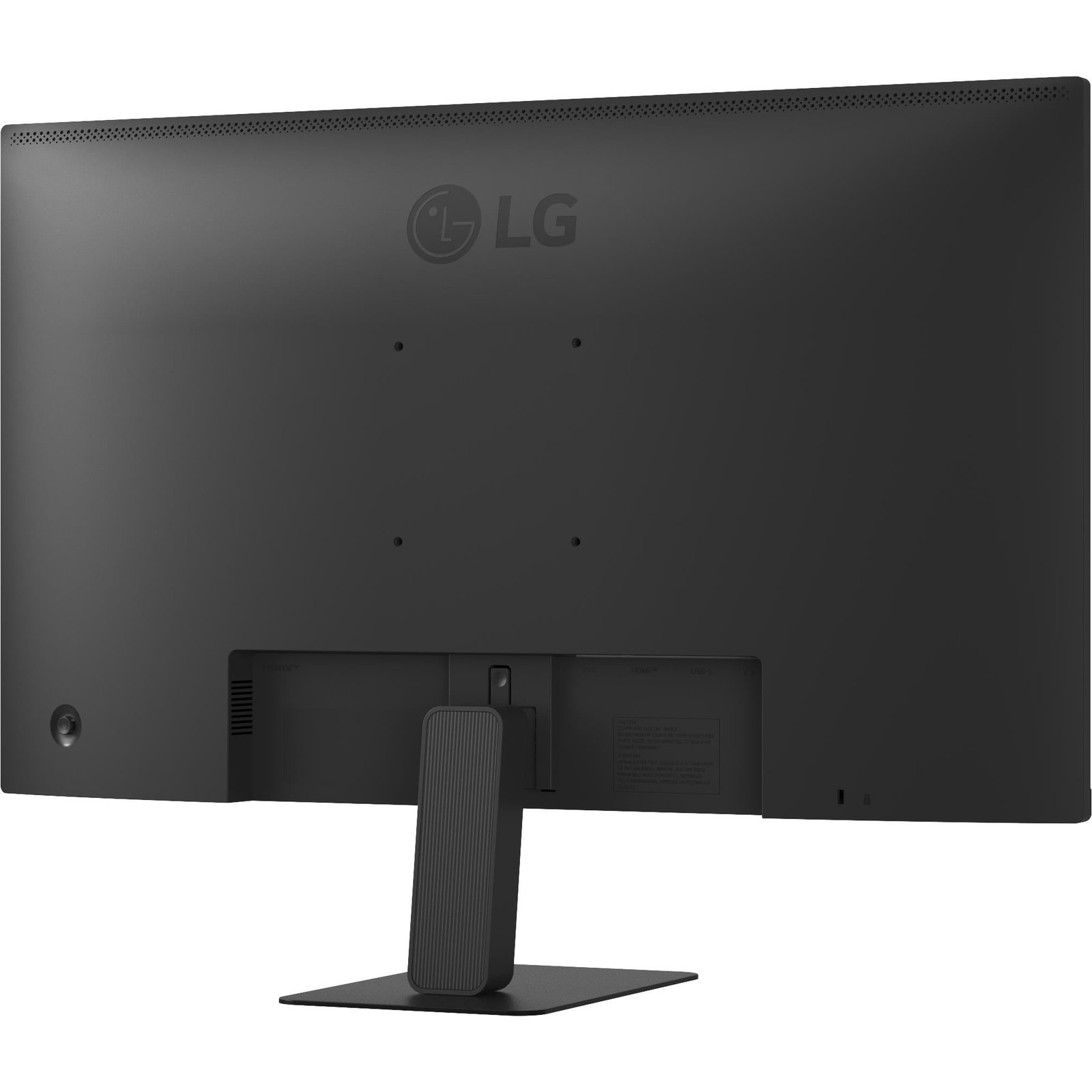
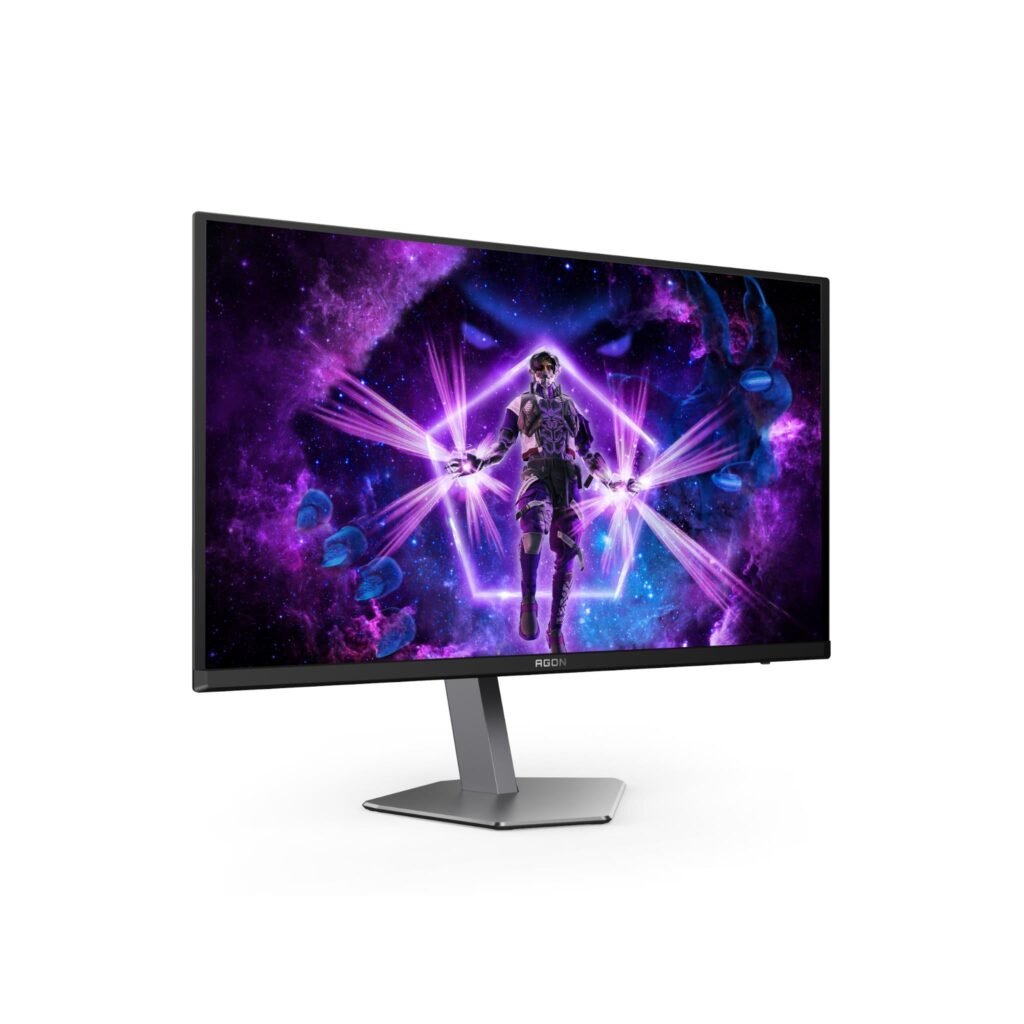
LG 27″ QHD 100Hz IPS Super Slim Stand Monitor with USB-C
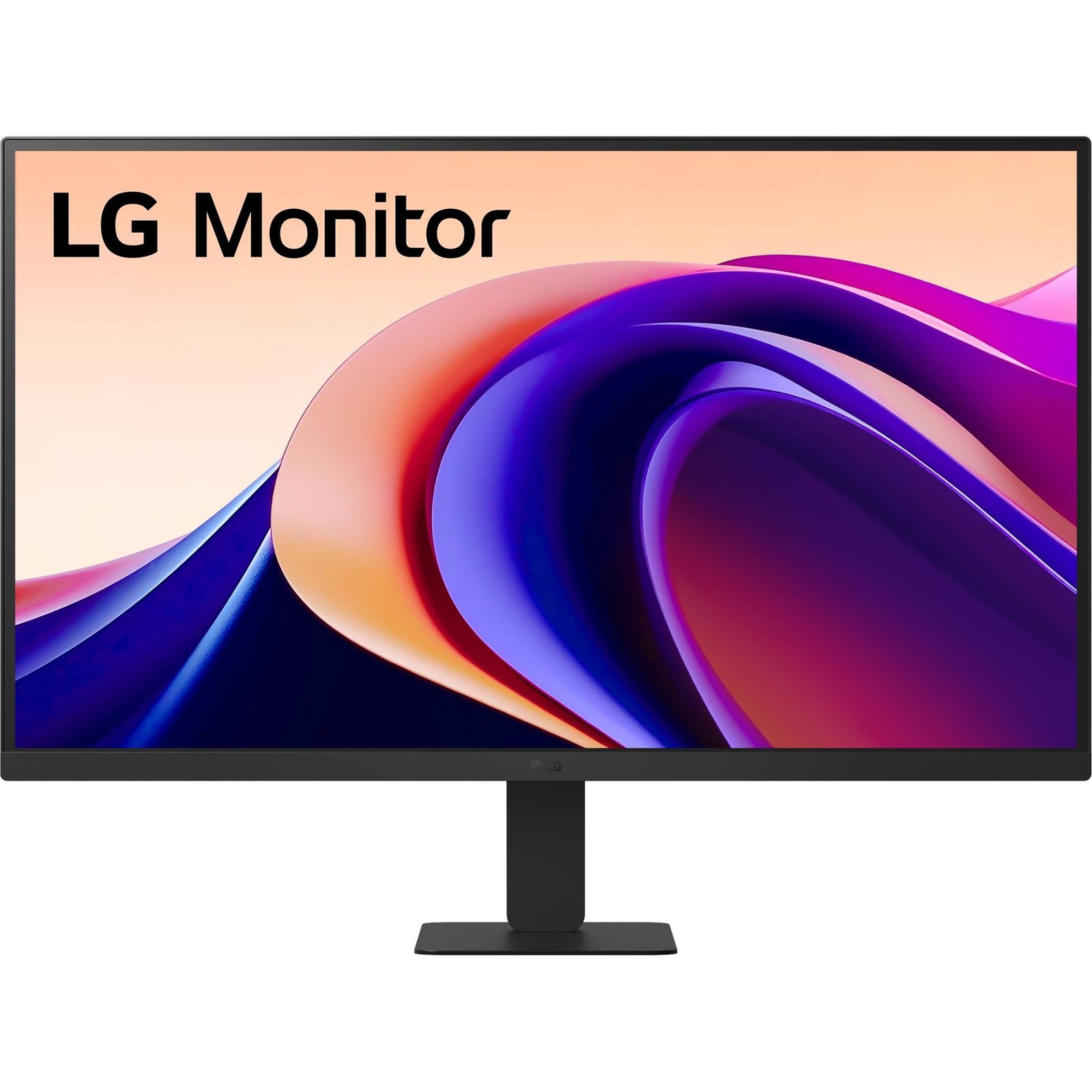
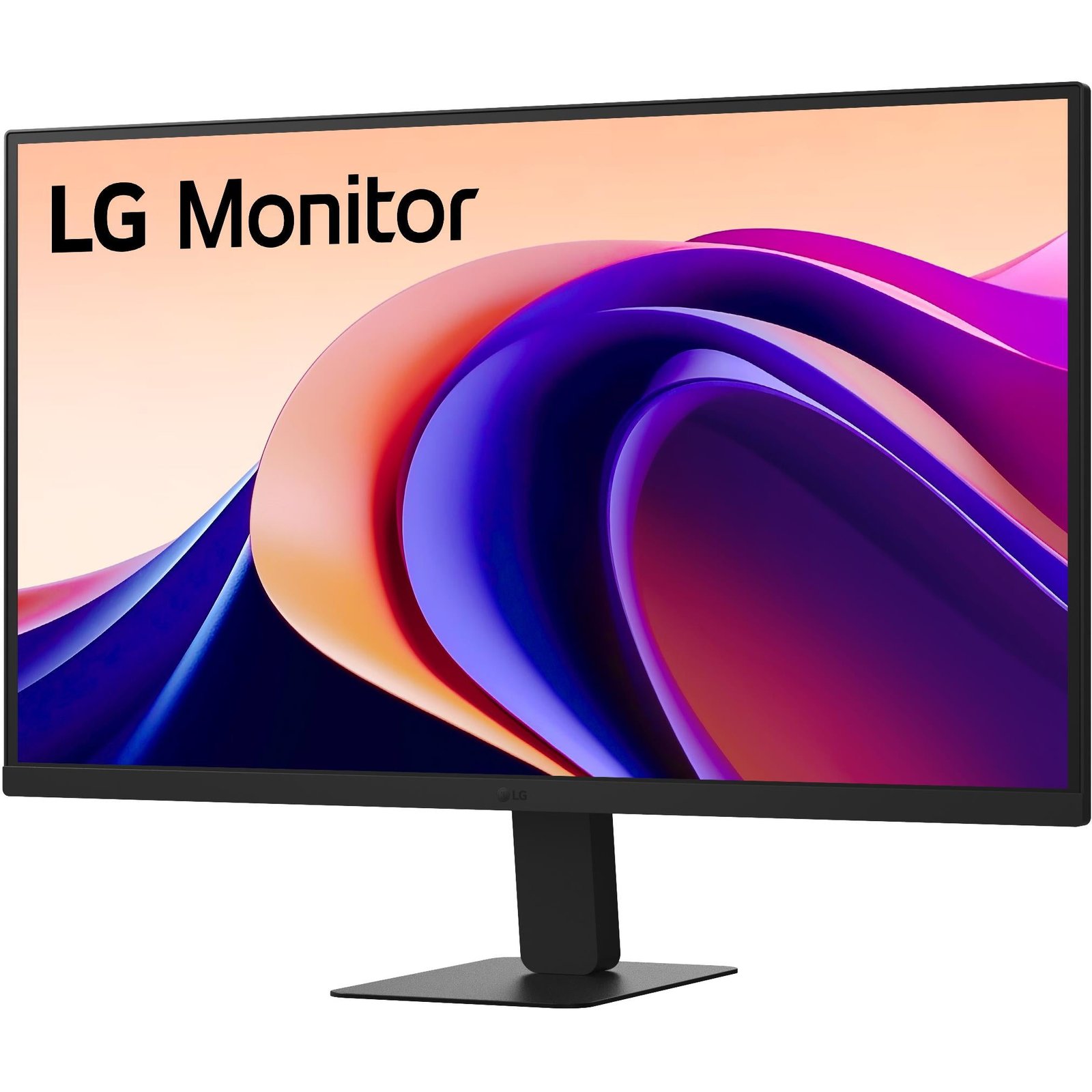
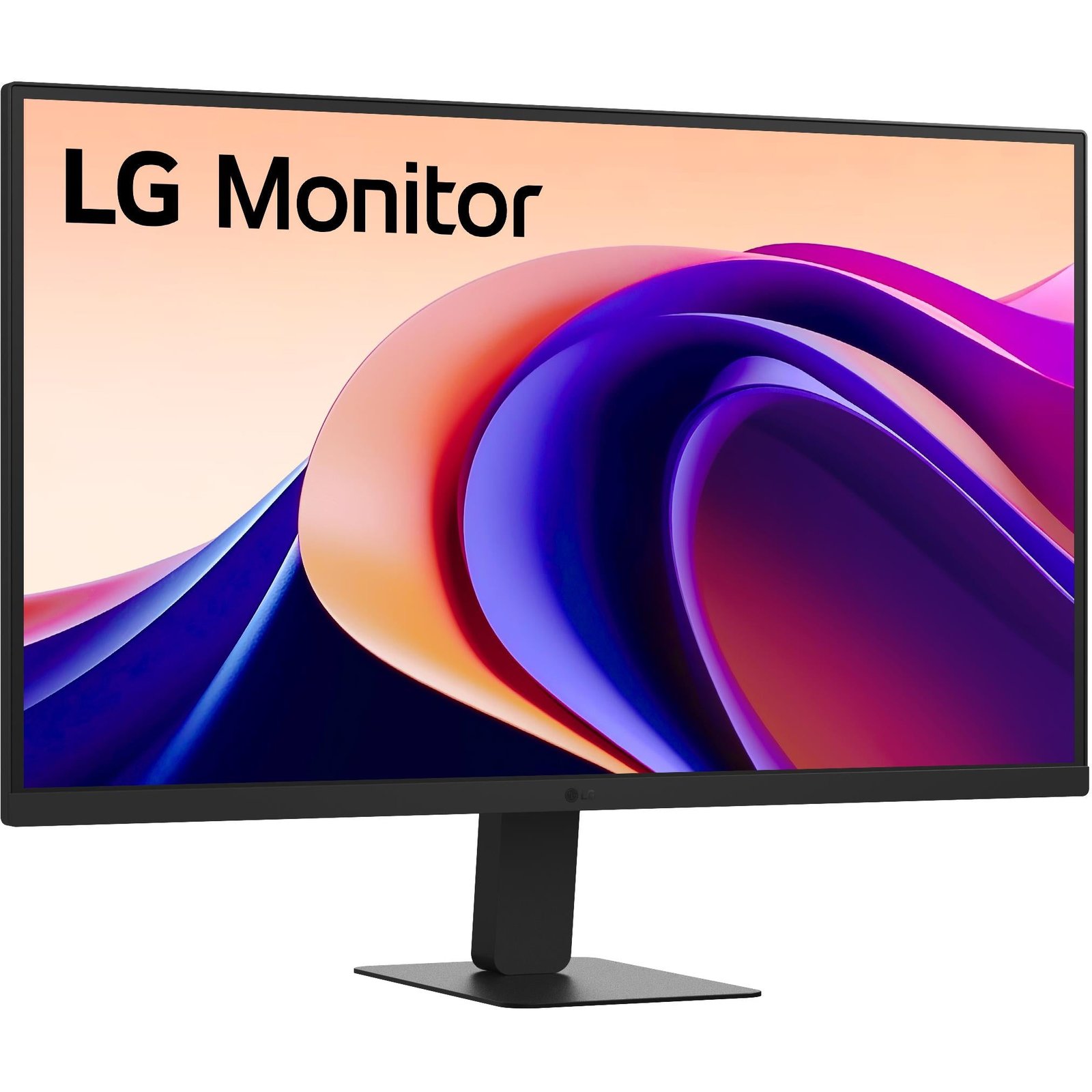
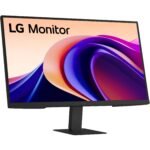
The LG 27″ QHD 100Hz IPS Super Slim Stand Monitor with USB-C is a versatile 27-inch desktop display designed for home offices, hybrid workers, students, creators, and everyday users who want sharper screen space than Full HD and a simple USB-C connection for compatible laptops. With a 2560 × 1440 QHD IPS panel, 100Hz refresh rate, HDR10 support, 99% sRGB color coverage, USB-C display connectivity, and a slim three-sided borderless design, it is a practical monitor for both productivity and light entertainment.
Known by model number LG 27U631A-B, this monitor is particularly appealing for laptop users who want an external display without a complicated cable setup. A compatible USB-C cable can carry the display signal while delivering up to 15W of power to the connected laptop or device.
LG 27″ QHD 100Hz IPS Super Slim Stand Monitor with USB-C
The LG 27″ QHD 100Hz IPS Super Slim Stand Monitor with USB-C gives users a noticeable upgrade over standard 24-inch Full HD displays. Its 27-inch QHD panel has a resolution of 2560 × 1440 pixels, providing more screen space for documents, browser windows, spreadsheets, editing panels, video calls, and side-by-side applications.
QHD resolution sits between Full HD and 4K:
| Resolution | Pixel count | Typical use |
|---|---|---|
| Full HD | 1920 × 1080 | Basic work, streaming, casual use |
| QHD | 2560 × 1440 | Multitasking, productivity, photo work, light gaming |
| 4K UHD | 3840 × 2160 | High-detail editing, large workspaces, premium media |
On a 27-inch screen, QHD offers a useful balance of clarity and manageable scaling. Text appears sharper than on a 27-inch Full HD monitor, while operating systems and applications usually remain easy to read without needing the display scaling that some users prefer with a 27-inch 4K monitor.
The LG 27U631A-B uses IPS panel technology, which is valued for consistent color and wide viewing angles. LG lists 178-degree horizontal and vertical viewing angles, helping the display maintain a stable image when viewed from the side or shared with another person. LG UltraGear 27G523B 27″ FHD 200Hz Gaming Monitor
Display Quality
The LG 27″ QHD 100Hz IPS Super Slim Stand Monitor with USB-C uses a 27-inch IPS display with 2560 × 1440 resolution, 99% sRGB color-gamut coverage, HDR10 support, and 16.7 million displayable colours.lg+1
These specifications make the monitor suitable for office productivity, web work, everyday image editing, social-media content, streaming, and general home use. The 99% sRGB figure means it can reproduce most of the standard sRGB color space used across web content, online images, presentations, and many consumer creative workflows.
The monitor’s typical brightness is 250cd/m², with a minimum of 200cd/m². This is appropriate for many indoor office, study, and home workspaces, particularly where sunlight is controlled. It is not intended as an extreme-brightness HDR reference display, but HDR10 support can improve compatible video and game playback when the source content and system settings support HDR.
The display also has a typical contrast ratio of 1000:1 and a 5ms grey-to-grey response-time specification in its faster mode. For office work and casual gaming, this is suitable. Serious competitive players who want 240Hz, 360Hz, or OLED-level response performance should consider a dedicated gaming monitor instead.
QHD for Productivity
A major advantage of the LG 27″ QHD 100Hz IPS Super Slim Stand Monitor with USB-C is the additional working space offered by its QHD resolution. Compared with Full HD, the 2560 × 1440 panel provides roughly 78% more pixels, giving users more room for windows and tools.
This can make day-to-day work more efficient. You can keep a browser open beside a document, view a spreadsheet alongside email, place video-call software next to notes, or work on a design canvas while keeping tool panels visible.
The 27-inch QHD format is useful for:
-
Working from home.
-
Spreadsheet and accounting tasks.
-
Writing and research.
-
Coding and programming.
-
Web design.
-
Social-media management.
-
Online learning.
-
Video calls and virtual meetings.
-
Photo editing.
-
Light video editing.
-
Online shopping and streaming.
-
General multitasking.
For example, a remote worker can keep Microsoft Teams or Zoom on one side of the screen while viewing a report or presentation on the other. A student can keep lecture notes visible beside an online research article. A content creator can use the larger workspace for a photo-editing canvas, timeline, browser reference, and file manager.
100Hz Refresh Rate
The 100Hz refresh rate is one of the monitor’s useful quality-of-life features. A refresh rate refers to how many times the screen can update each second. A standard office monitor often runs at 60Hz, while this LG display can refresh at up to 100Hz.
At 100Hz, scrolling, cursor movement, window dragging, animations, and supported games can appear smoother than on a typical 60Hz display. LG says the 100Hz refresh rate supports smoother frame loading in various programs and may help reduce screen stuttering and motion blur during use.
A 100Hz panel can benefit:
-
Everyday desktop navigation.
-
Web browsing.
-
Long document scrolling.
-
Social-media feeds.
-
Video editing timelines.
-
Casual gaming.
-
Racing, sports, and action games at moderate frame rates.
-
General computer use.
The monitor includes Dynamic Action Sync and Black Stabilizer tools. Dynamic Action Sync is intended to reduce input delay for more responsive gaming, while Black Stabilizer can help improve visibility in darker areas of games.
While 100Hz is a welcome step above 60Hz, it is not a specialist esports-level refresh rate. Players who compete seriously in fast shooters may prefer a 144Hz, 165Hz, 240Hz, or higher refresh-rate gaming display. For mixed office work, content, and casual gaming, however, 100Hz provides a smooth and enjoyable everyday experience.
IPS Panel Benefits
The IPS panel in the LG 27″ QHD 100Hz IPS Super Slim Stand Monitor with USB-C is well suited to users who value color consistency and broad viewing angles. IPS technology helps prevent dramatic color and brightness shifts when looking at the display from an angle.
This is useful when:
-
Sharing the screen with a colleague or family member.
-
Moving around a desk.
-
Working on colour-sensitive web content.
-
Editing casual photos.
-
Watching movies from different seating positions.
-
Using a multi-monitor setup.
-
Viewing spreadsheets, documents, or presentations for long periods.
The monitor supports sRGB 99% color coverage, which is a useful specification for web-focused work. Designers, marketers, photographers, online sellers, and social-media creators often work in sRGB because it is widely used by browsers, social platforms, office applications, and many consumer devices.lg+1
For professional color grading, print production, high-end video editing, or Adobe RGB work, a more advanced monitor with hardware calibration, stronger color-space coverage, and a higher brightness range may be more appropriate. For mainstream creative work, general editing, and everyday content, the LG 27U631A-B offers a balanced image profile.
USB-C Convenience
The USB-C connection is one of the most practical features of the LG 27″ QHD 100Hz IPS Super Slim Stand Monitor with USB-C. A compatible USB-C cable can carry both video output and up to 15W of power delivery to a connected laptop, tablet, or supported device.
This can simplify a workspace because you may be able to connect a compatible laptop to the monitor using one cable instead of separate display and charging cables.
However, buyers should understand the 15W power-delivery limit. It can help maintain or slowly charge some lightweight devices, but it may not be enough to fully power many larger laptops under load. Gaming laptops, high-performance workstations, and many 14-inch to 16-inch notebooks often require 45W, 65W, 90W, or more.
| USB-C power level | Typical use |
|---|---|
| 15W | Phones, accessories, light tablets, limited laptop top-up |
| 45W–65W | Many thin-and-light laptops |
| 90W–100W+ | Larger laptops, high-performance ultrabooks, more demanding work |
The LG 27U631A-B is best viewed as a display with convenient 15W USB-C charging, not as a complete high-wattage docking monitor. Users with a power-hungry laptop may still need to keep the original laptop charger connected.
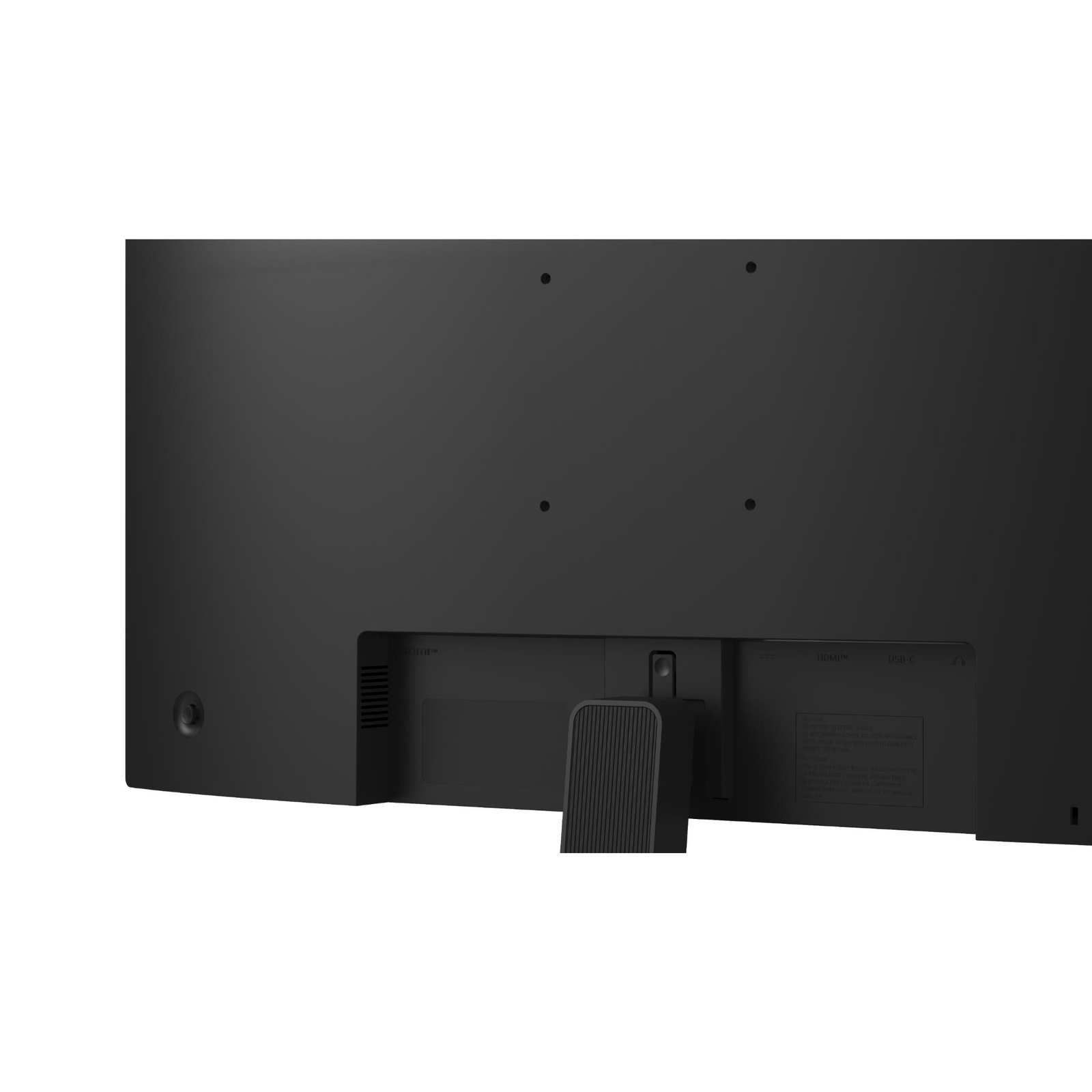
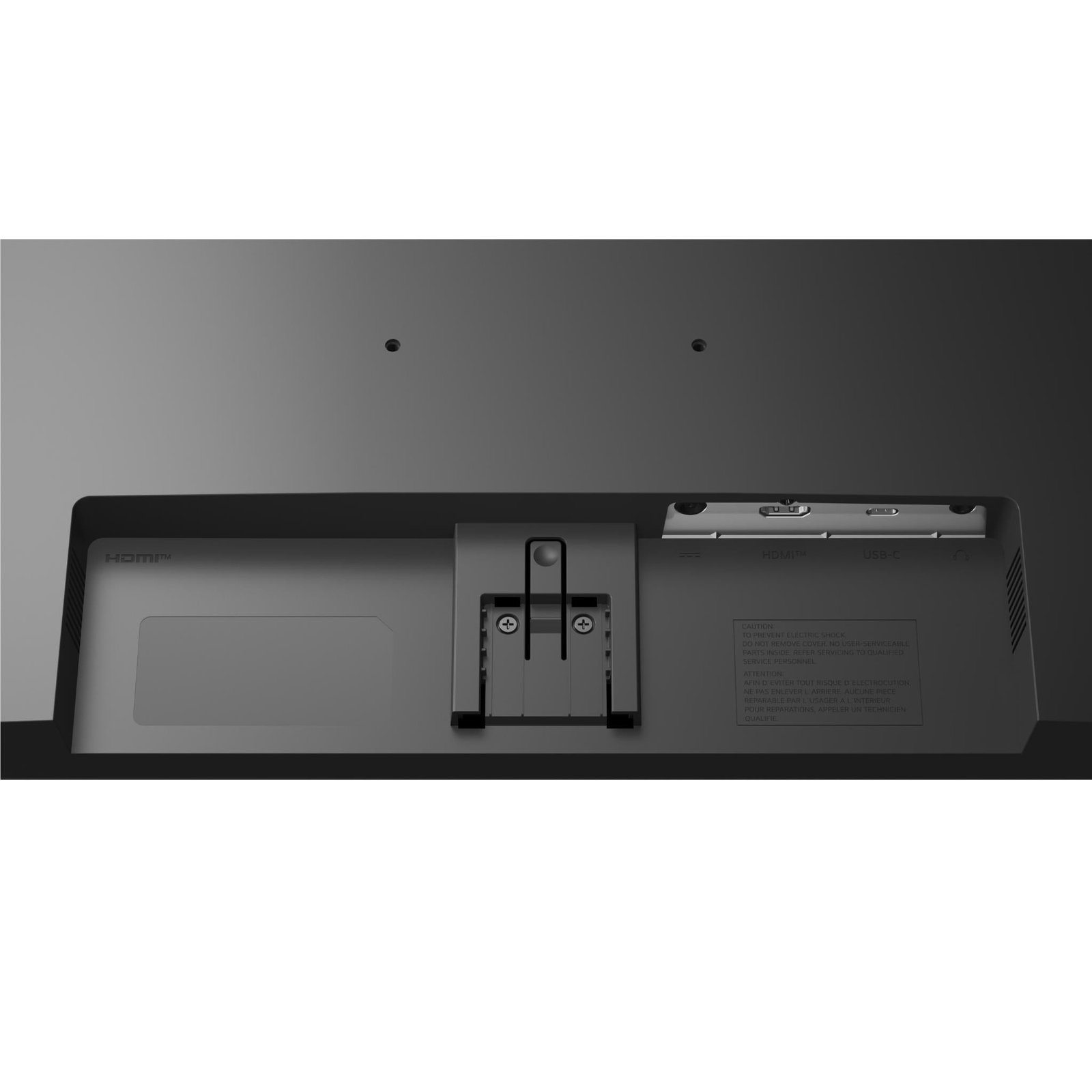
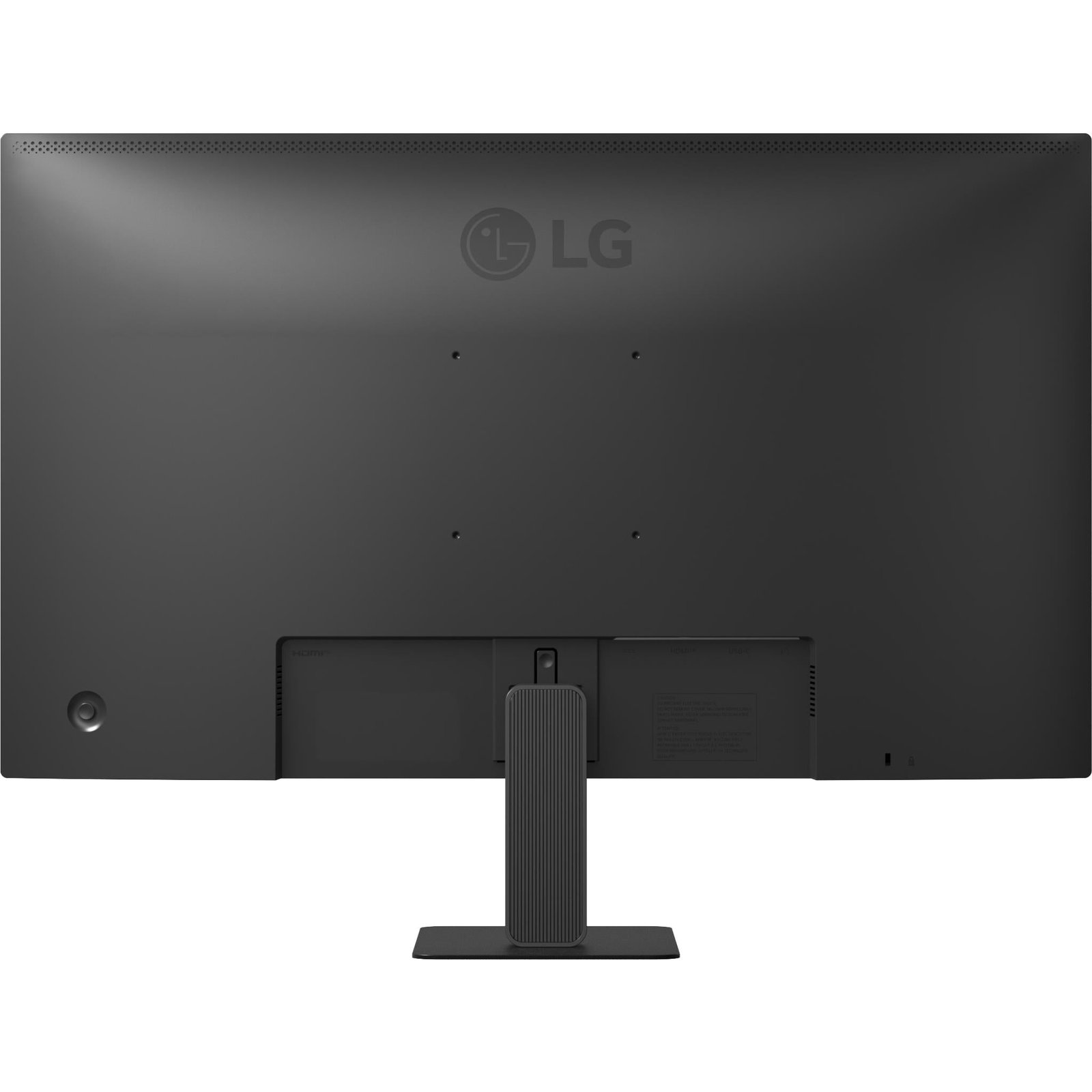
The monitor also includes one HDMI input and a headphone output. The HDMI port supports HDMI 2.0-compliant TMDS 6G operation, allowing compatible devices to output QHD at up to 100Hz.
Super Slim Stand Design
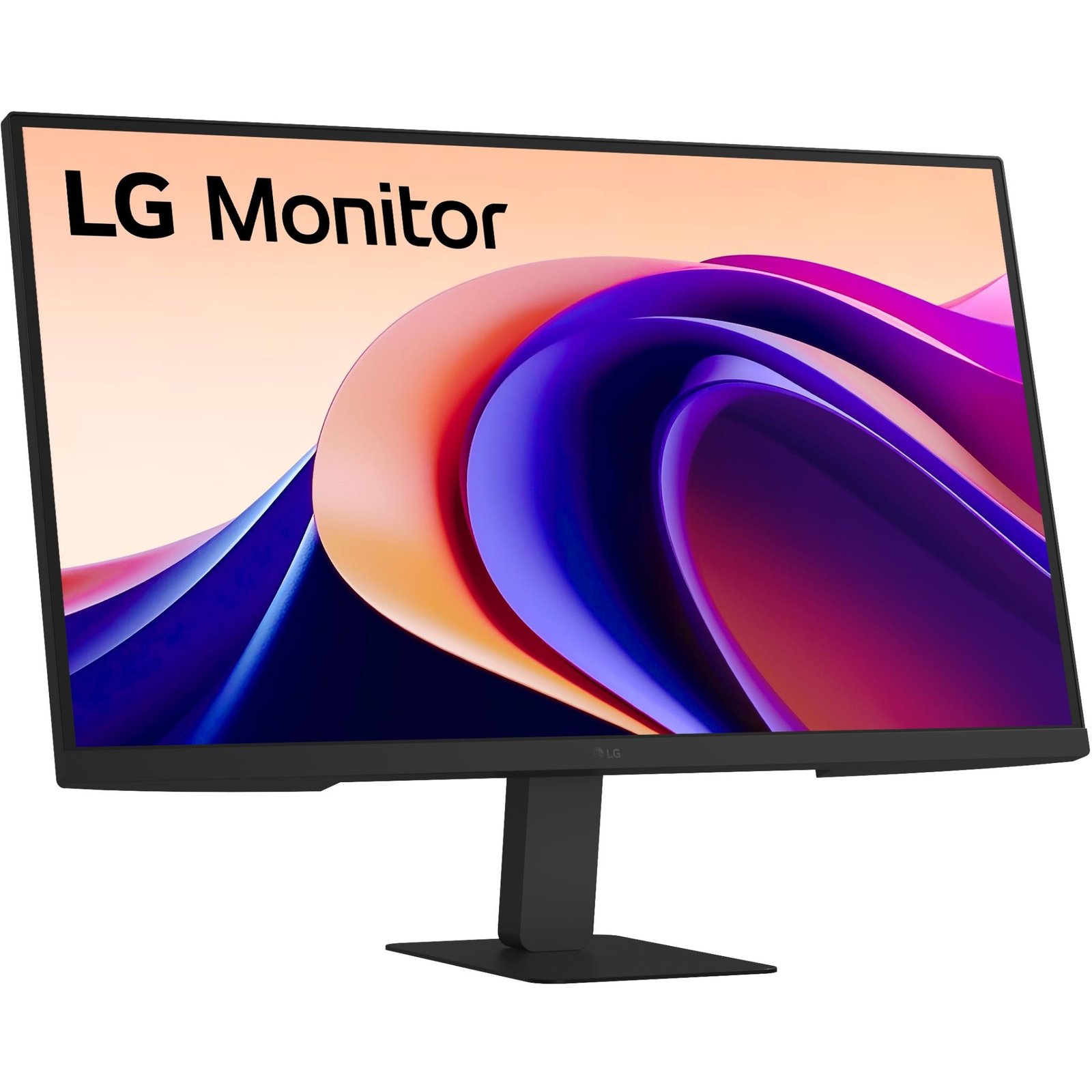
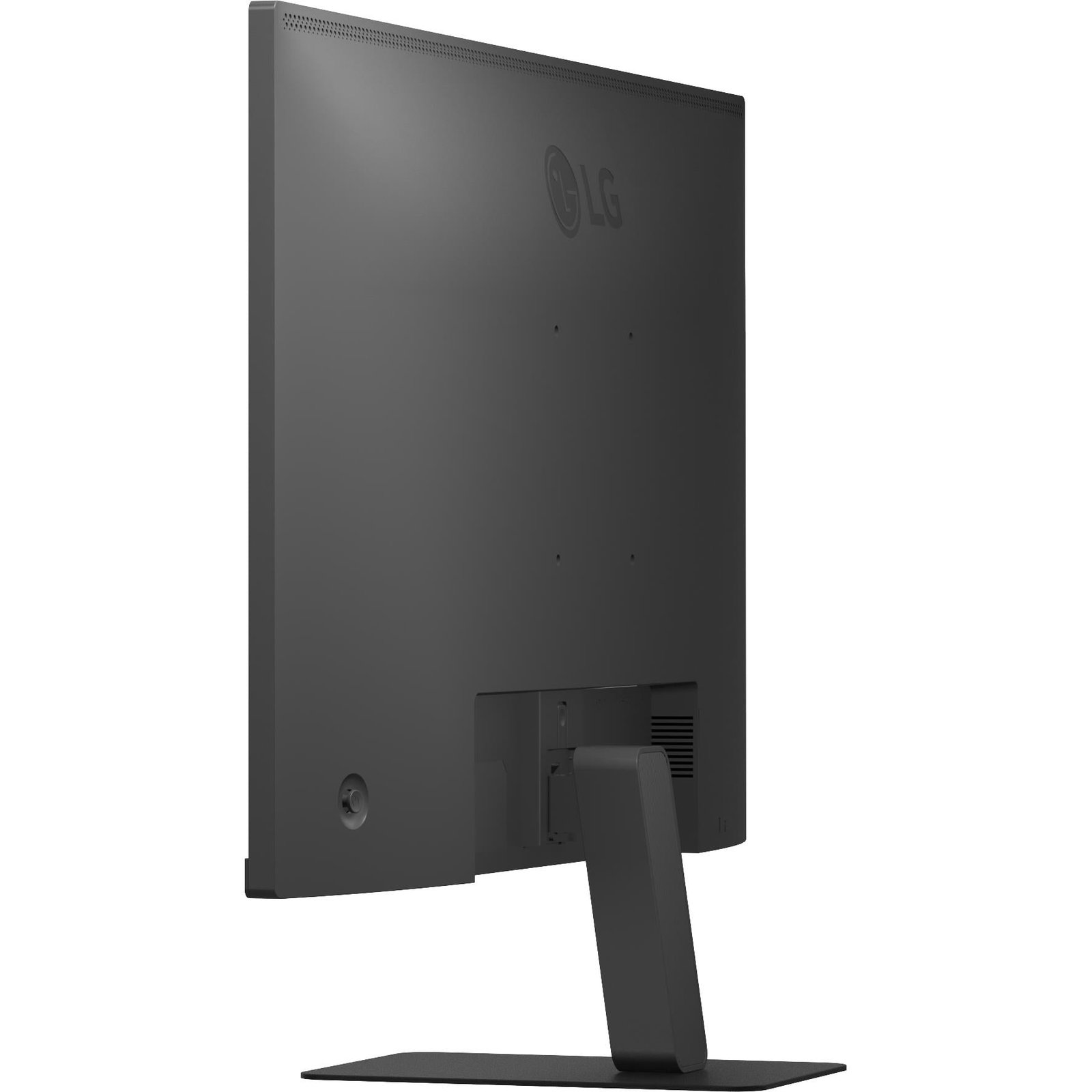
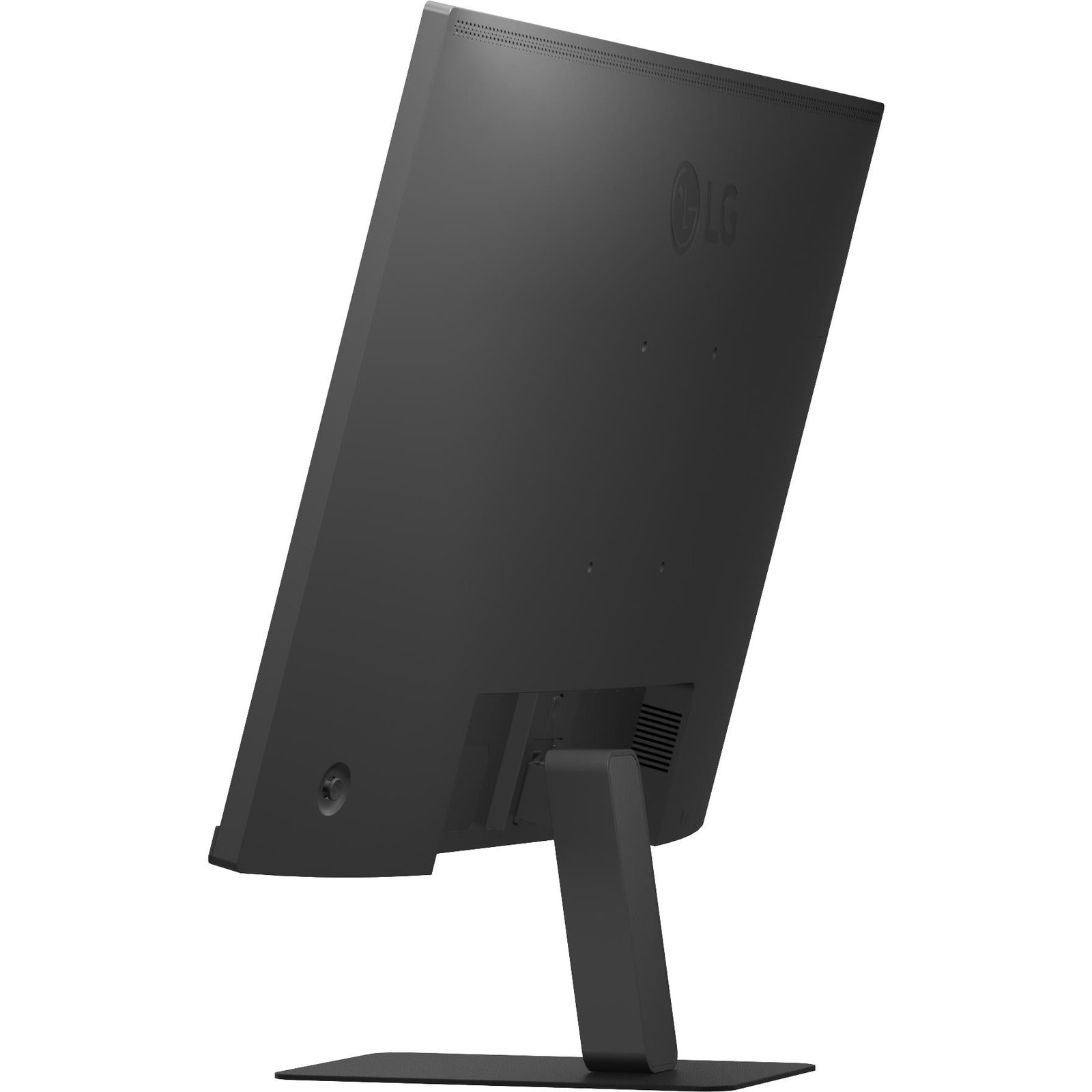
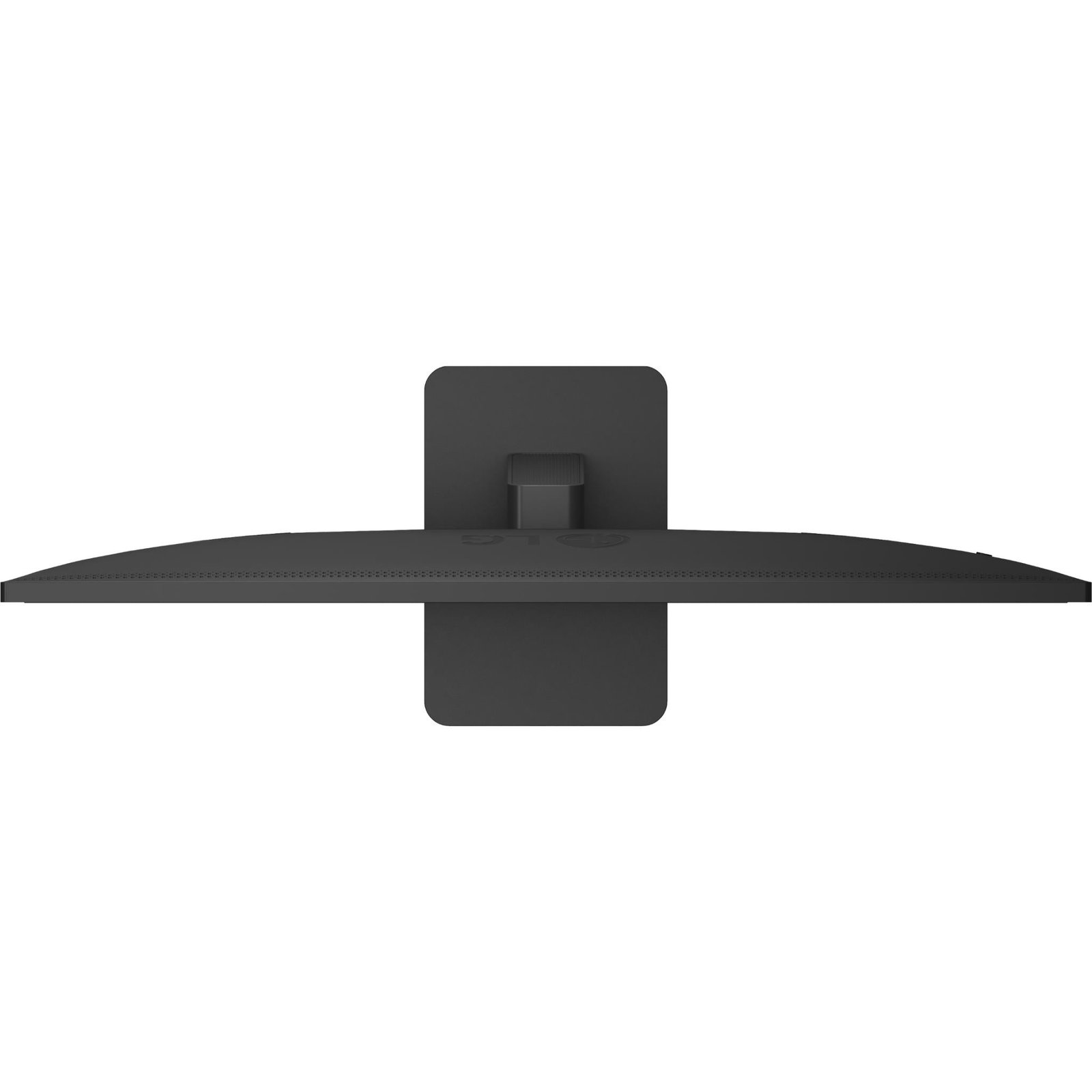
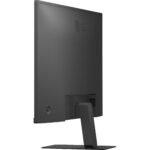
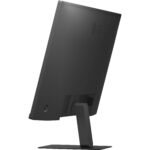
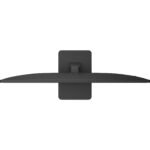
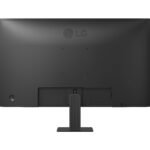
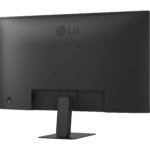
The Super Slim Stand gives the LG 27″ QHD 100Hz IPS Super Slim Stand Monitor with USB-C a clean, minimalist profile for modern workspaces. The screen uses a three-sided virtually borderless design, which can make it easier to use in a dual-monitor setup because the visual gap between displays is reduced.
With the stand attached, the monitor measures approximately 613.2mm wide, 454.8mm high, and 215mm deep. Without the stand, it is approximately 613.2mm wide, 363.5mm high, and 43.7mm deep. It weighs around 4.4kg with the stand.
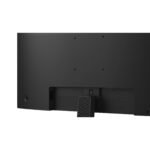
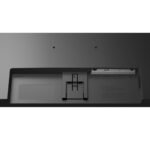
The stand supports tilt adjustment from approximately -5 degrees to +20 degrees. This allows users to adjust the screen angle, but it does not provide built-in height adjustment, swivel, or pivot rotation. If you need greater ergonomic flexibility, consider using the monitor’s 100 × 100mm VESA mounting support with a compatible monitor arm.
A monitor arm can help:
-
Raise the screen to eye level.
-
Free desk space.
-
Improve cable management.
-
Adjust distance and angle.
-
Improve posture during long work sessions.
-
Create a cleaner dual-monitor layout.
For best comfort, position the top of the display near or slightly below eye level, sit roughly an arm’s length from the screen, and adjust the tilt to reduce reflections.
HDR10 and Color
The LG 27″ QHD 100Hz IPS Super Slim Stand Monitor with USB-C supports HDR10, allowing compatible PCs, consoles, and media devices to send high-dynamic-range content. HDR content can include brighter highlights, more visible shadow detail, and a broader tonal range than standard dynamic range material.
The experience depends on the monitor’s brightness capability, the content, and the operating system. With a typical brightness of 250cd/m², the monitor is not a high-peak-brightness HDR display designed for cinema-grade HDR mastering. HDR10 support is still useful for compatible media and games, but buyers should set realistic expectation’s
For the strongest everyday image, users may find SDR mode, 99% sRGB coverage, sensible brightness settings, and good room lighting more important than HDR branding. If you work in a bright office, reducing direct glare from windows and placing the monitor perpendicular to strong light sources can improve comfort and perceived contrast.
Gaming and Entertainment
The LG 27″ QHD 100Hz IPS Super Slim Stand Monitor with USB-C is capable of casual and mainstream gaming. Its QHD resolution provides sharper visuals than Full HD, while the 100Hz refresh rate makes supported games feel smoother than on a 60Hz monitor.
It is a sensible display for:
-
Casual PC gaming.
-
Adventure games.
-
Racing titles.
-
Sports games.
-
Strategy games.
-
RPGs.
-
Indie games.
-
Console gaming at suitable supported modes.
-
Streaming shows and films.
-
Everyday YouTube viewing.
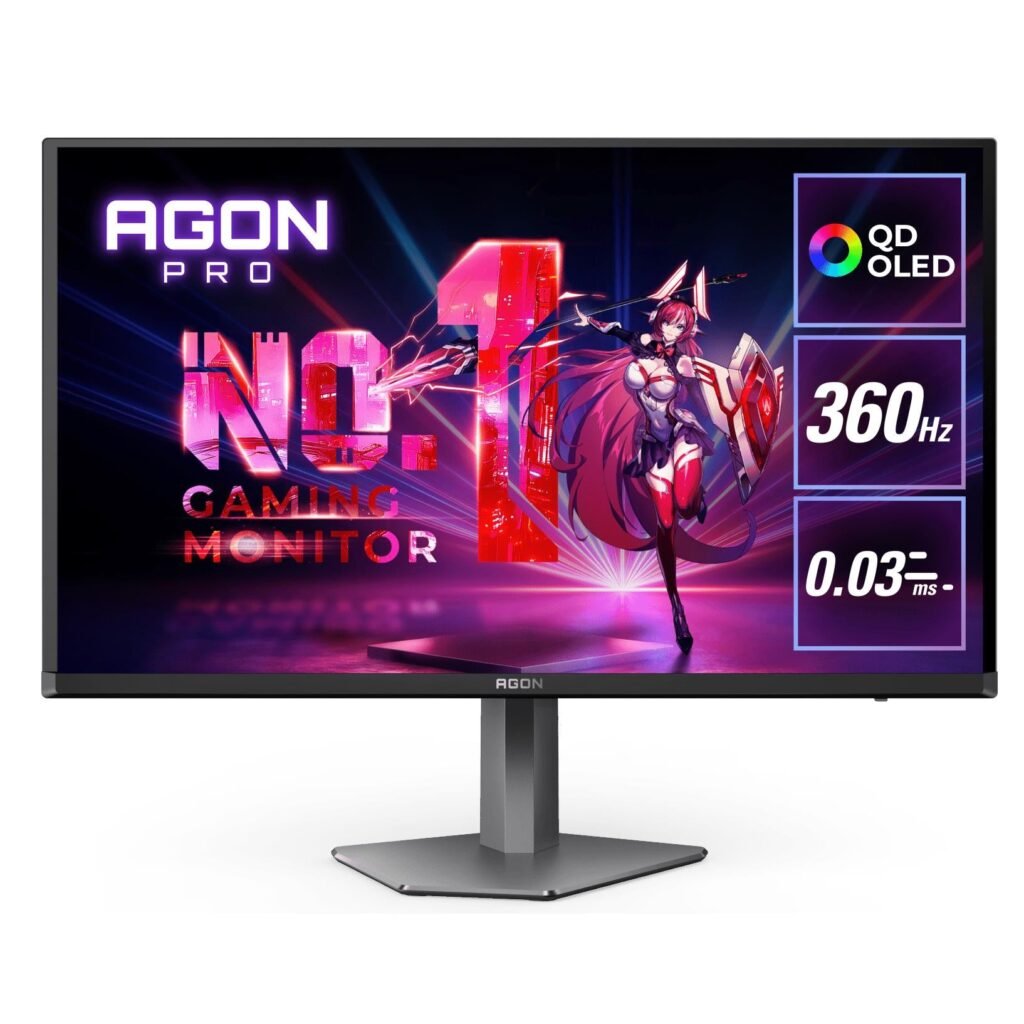
Dynamic Action Sync and Black Stabilizer are included to support gaming use. The 5ms GtG response-time rating is suitable for general gaming, though it is not designed to compete with 0.03ms OLED esports monitors or 240Hz-plus high-speed displays.
For competitive first-person shooters, where every frame and response advantage matters, choose a dedicated high-refresh gaming monitor. For users who want one monitor for productivity, work, study, media, and casual games, the LG 27U631A-B provides a more balanced feature set.
Eye Comfort Features
Long desk sessions can be tiring, particularly when working with documents, code, spreadsheets, or online learning materials. The LG 27″ QHD 100Hz IPS Super Slim Stand Monitor with USB-C includes Reader Mode and Flicker Safe features to help make extended viewing more comfortable.
Reader Mode can adjust the screen’s color temperature to create a more paper-like appearance for reading. Flicker Safe is intended to reduce screen flicker that may contribute to viewing fatigue for some users.
Good monitor habits remain important:
-
Adjust brightness to match the room rather than using maximum brightness all day.
-
Keep the screen about an arm’s length away.
-
Position the top of the display close to eye height.
-
Use the 20-20-20 approach: every 20 minutes, look about 20 feet away for 20 seconds.
-
Reduce reflections from windows and ceiling lights.
-
Increase text scaling if you strain to read small text.
-
Take regular standing and stretching breaks.
LG Switch Software
The LG 27U631A-B supports LG Switch, a software tool designed to help users manage display settings and organize windows. LG Switch can make it easier to split the screen into layouts, switch monitor settings, and manage workspace configurations on supported systems.
For people who work with several windows throughout the day, screen-splitting tools can improve productivity. You may set up a layout with a document on the left, browser on the right, and a small chat window in a corner. A programmer might place a code editor, terminal, documentation page, and preview window across the display.
The monitor also supports Onscreen Control compatibility, which can provide screen-splitting and basic monitor-control functions. Software capabilities depend on the operating system and current LG software support.
Connectivity and Compatibility
The LG 27″ QHD 100Hz IPS Super Slim Stand Monitor with USB-C supports several common connection types:
| Connection | Main use |
|---|---|
| USB-C | QHD video signal plus up to 15W Power Delivery for compatible devices |
| HDMI | PC, laptop, console, streaming device, or media player connection |
| Headphone output | Wired headphones or external speakers |
| External power adapter | Supplies power to the monitor |
The monitor is compatible with Windows PCs, many USB-C laptops, Mac computers, supported tablets, and compatible game consoles. However, the exact resolution and refresh rate available depend on the source device, operating system, cable, graphics hardware, and selected input.
Before purchasing, check:
-
Whether your laptop USB-C port supports video output through DisplayPort Alt Mode.
-
Whether your laptop needs more than 15W of charging power.
-
Whether your graphics card supports QHD at 100Hz over HDMI or USB-C.
-
Whether your console supports QHD output and the desired refresh rate.
-
Whether you need more than one video input.
-
Whether you need Ethernet, USB-A ports, a built-in webcam, or a KVM switch.
If you need a more complete single-cable docking setup with 65W charging, Ethernet, daisy-chain capability, and extra USB ports, LG’s business-oriented 27BA65QB provides QHD IPS, 100Hz, USB-C Power Delivery up to 65W, daisy chaining, and RJ45 connectivity.
Who Should Buy It?
The LG 27″ QHD 100Hz IPS Super Slim Stand Monitor with USB-C is a strong option for users who want a clean, sharp, balanced display for everyday use.
It is particularly suitable for:
-
Remote and hybrid workers.
-
Students.
-
Writers and researchers.
-
Programmers.
-
Spreadsheet and office users.
-
Social-media managers.
-
Online sellers.
-
Entry-level photo editors.
-
Home-office users.
-
MacBook and Windows laptop users with USB-C video output.
-
Casual gamers.
-
Users upgrading from a 24-inch Full HD monitor.
-
Anyone who wants a slim 27-inch QHD IPS display.
It may be less suitable for:
-
Competitive esports players needing 144Hz, 240Hz, or higher.
-
Professional HDR editors requiring sustained high brightness.
-
Print professionals requiring Adobe RGB or hardware calibration.
-
Users needing 65W to 100W USB-C laptop charging.
-
Multi-device users needing several HDMI or DisplayPort inputs.
-
Users who need built-in height adjustment, pivot, or swivel.
Final Buying Guide
The LG 27″ QHD 100Hz IPS Super Slim Stand Monitor with USB-C delivers a smart balance of resolution, smoothness, colour, and workspace convenience. Its 27-inch QHD IPS panel offers more desktop space than Full HD, while the 100Hz refresh rate improves the feel of scrolling, movement, and casual gaming. USB-C display connectivity and 15W Power Delivery help reduce cable clutter for compatible devices.lg+1
For home-office productivity, study, web work, casual content creation, and everyday entertainment, the LG 27U631A-B is a practical monitor choice. Its 99% sRGB colour coverage, HDR10 support, Reader Mode, Flicker Safe technology, three-sided borderless design, and Super Slim Stand make it well suited to modern desks and multi-purpose workspaces. Contact Us
Before buying, confirm your laptop’s USB-C video support, power requirements, preferred stand ergonomics, and connection needs. If 15W charging is enough and you want a crisp 27-inch QHD monitor with smoother 100Hz performance, the LG 27″ QHD 100Hz IPS Super Slim Stand Monitor with USB-C offers strong everyday value. Follow Us On FaceBook
LG 27″ QHD 100Hz IPS Super Slim Stand Monitor with USB-C
$299.00 $194.35
Reliable delivery across Australia with tracking provided, so you can follow your order from dispatch to your door.
Shop with confidence. Eligible products are covered by the applicable manufacturer or supplier warranty for added peace of mind.
Changed your mind or received an item with an issue? Eligible products can be returned in accordance with our returns policy and Australian Consumer Law.





Reviews
Clear filtersThere are no reviews yet.