

Description
ASUS ROG Strix XG27UQDMS 27″ 4K UHD 240Hz QD-OLED Gaming Monitor
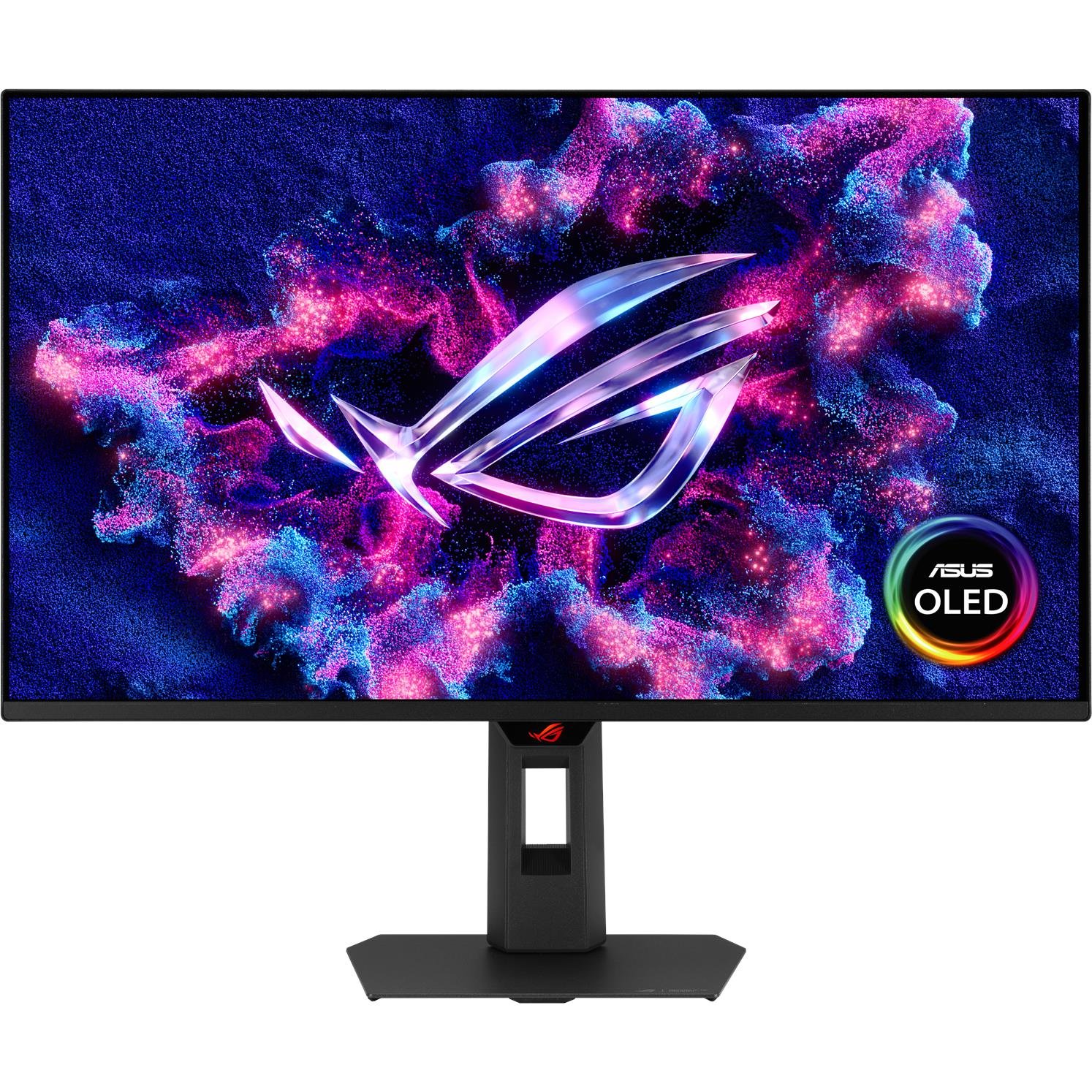
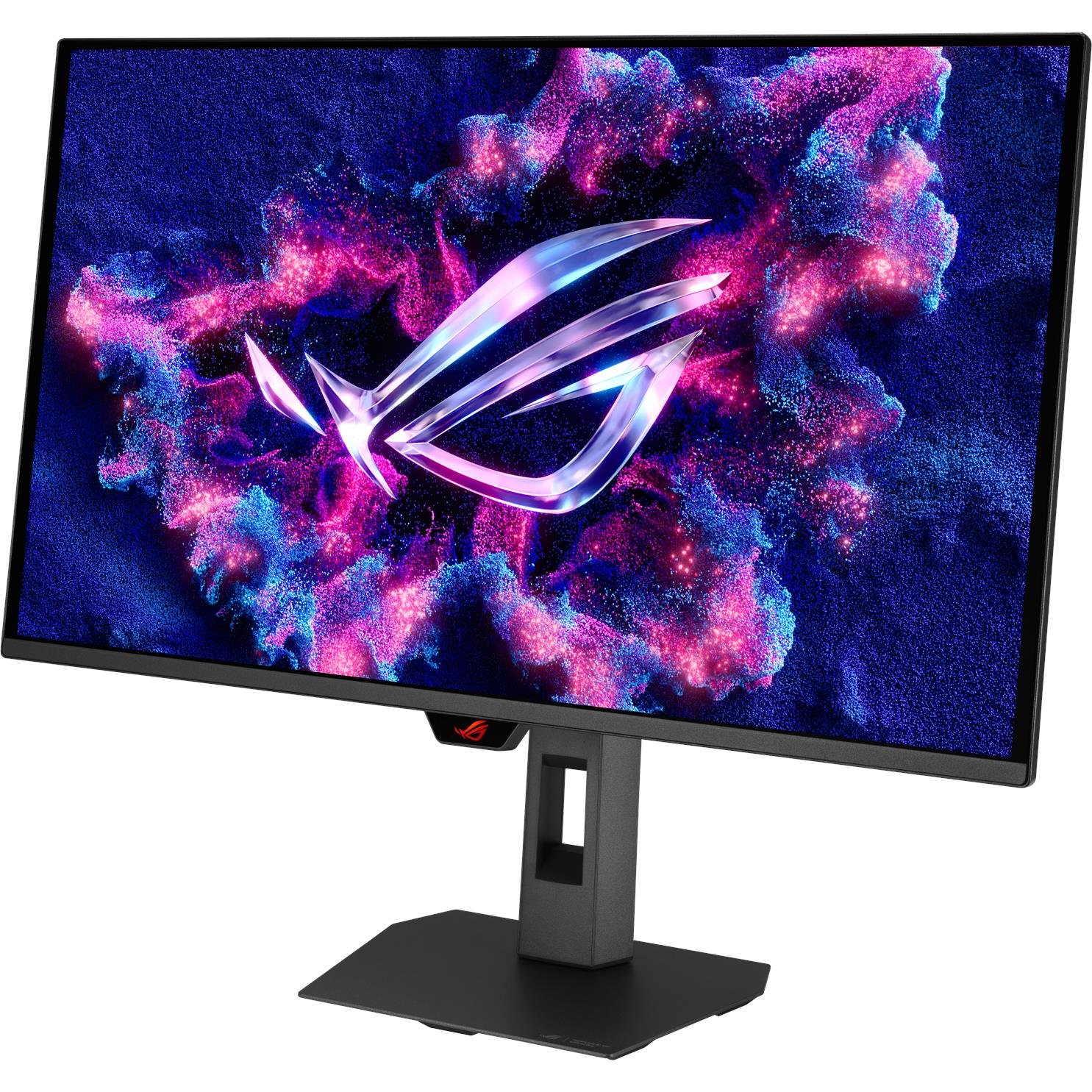
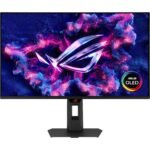
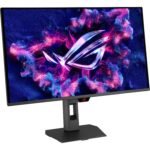
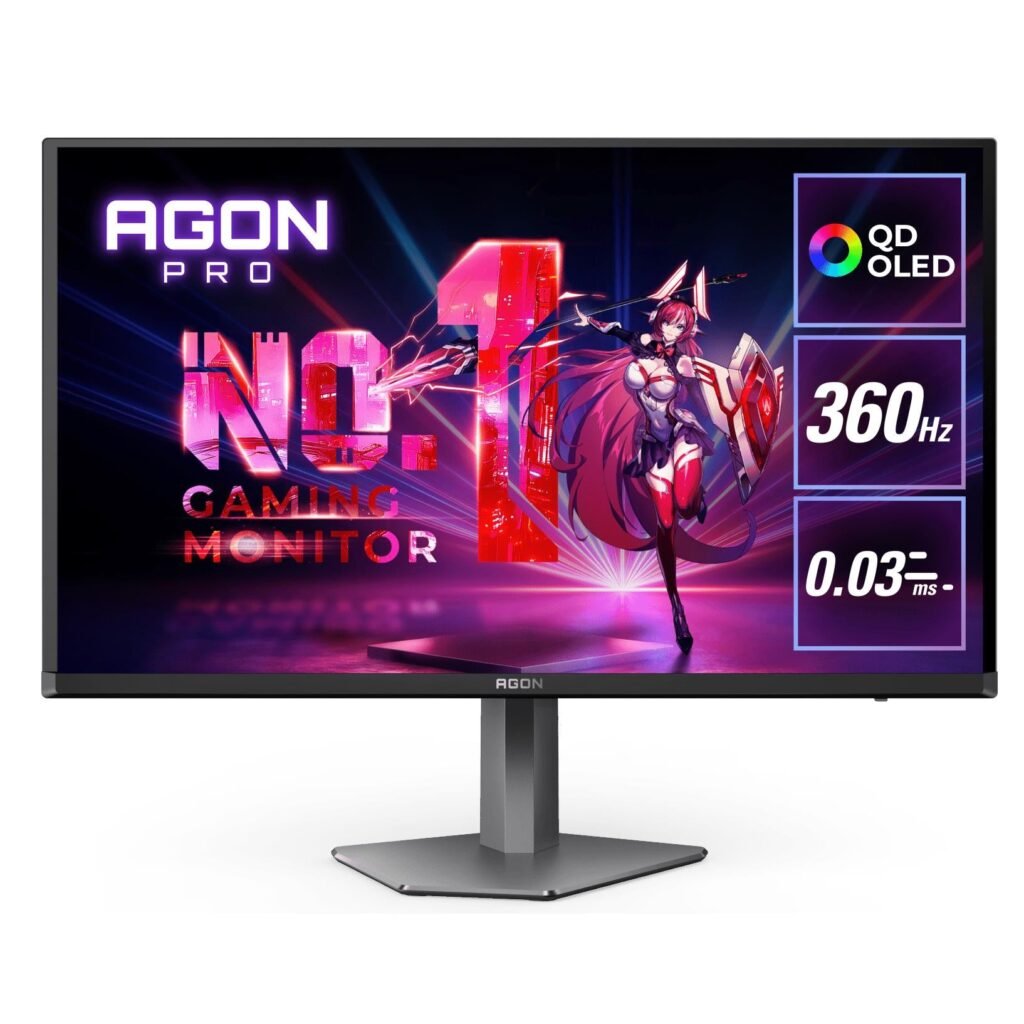
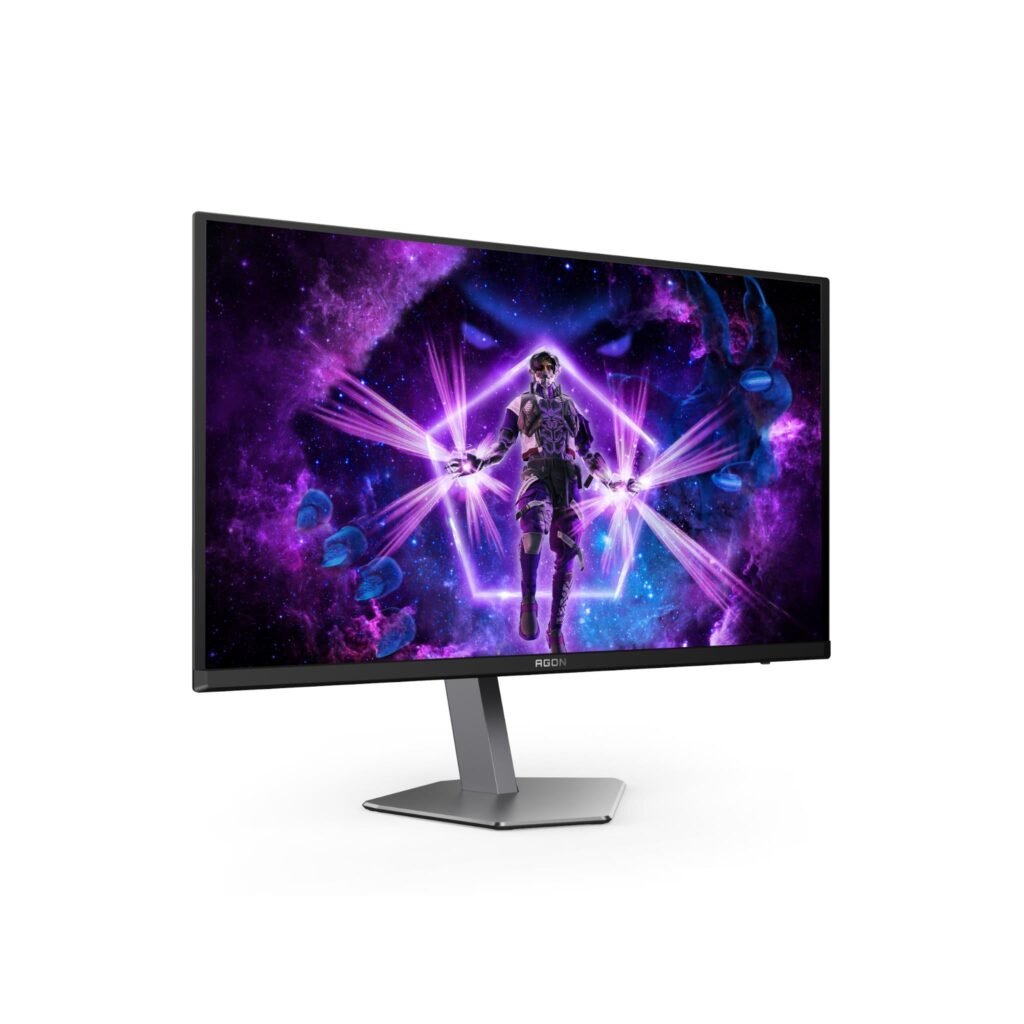
The ASUS ROG Strix XG27UQDMS 27″ 4K UHD 240Hz QD-OLED Gaming Monitor is a premium display built for gamers and creators who want sharp 4K detail, OLED contrast, ultra-fast 240Hz motion, and a compact 27-inch desktop footprint. Its Tandem QD-OLED panel combines a 3840 × 2160 resolution with a 0.03ms grey-to-grey response time, 99% DCI-P3 coverage, G-SYNC Compatible support, and OLED-protection features designed for long-term use. ASUS ROG Strix XG27UQDMS 27″ 4K UHD 240Hz QD-OLED Gaming Monitor
The ASUS ROG Strix XG27UQDMS 27″ 4K UHD 240Hz QD-OLED Gaming Monitor is particularly compelling for high-end PC setups capable of driving demanding games at high frame rates. It also offers HDMI 2.1 for modern console connectivity, DisplayPort 1.4 with Display Stream Compression for PC use, and an integrated USB hub for a cleaner multi-device desk setup.
ASUS ROG Strix XG27UQDMS 27″ 4K UHD 240Hz QD-OLED Gaming Monitor Overview
The ASUS ROG Strix XG27UQDMS 27″ 4K UHD 240Hz QD-OLED Gaming Monitor sits in the premium performance-monitor category. It is made for players who do not want to compromise between resolution and refresh rate: 4K provides sharp desktop detail and highly detailed game visuals, while 240Hz targets smooth competitive motion.
Its 26.5-inch viewable Tandem QD-OLED panel is marketed as a 27-inch class display. At 3840 × 2160 resolution, the monitor offers high pixel density for crisp text, detailed game environments, high-resolution photography, and 4K video work. At the same time, its 240Hz refresh rate makes it suited to demanding https://www.jbhifi.com.au/ shooters, racing titles, action games, battle royales, and competitive multiplayer play.
The ASUS ROG Strix XG27UQDMS 27″ 4K UHD 240Hz QD-OLED Gaming Monitor is a premium choice for:
-
Competitive PC gamers seeking 4K clarity and 240Hz speed
-
Single-player gamers who want OLED blacks and cinematic contrast
-
Console users with HDMI 2.1-equipped PlayStation 5 or Xbox Series X systems
-
Content creators who need wide-gamut color and sharp 4K detail
-
Photographers and video editors working with high-resolution visual assets
-
Streamers who need a display for gaming, editing, chat, and media workflows
-
Professionals who want one high-quality screen for work and after-hours gaming
It is important to understand the performance requirement. Running modern games at 4K and 240 frames per second can demand an extremely powerful gaming PC. The monitor remains valuable at lower frame rates because OLED contrast, 4K resolution, adaptive sync, and fast pixel response still improve the experience, but the most demanding users will want a high-end graphics card and carefully tuned game settings to approach 240fps in esports titles.
ASUS ROG Strix XG27UQDMS 27″ 4K UHD 240Hz QD-OLED Gaming Monitor Display
The ASUS ROG Strix XG27UQDMS 27″ 4K UHD 240Hz QD-OLED Gaming Monitor uses a Tandem QD-OLED panel with a 3840 × 2160 resolution and 16:9 aspect ratio. Its 26.5-inch viewable panel provides the sharpness associated with 4K in a compact desktop-friendly size.
A 27-inch 4K display is especially attractive for users who want high pixel density. Small text, desktop interface elements, detailed maps, fine textures, photo assets, and 4K footage can appear exceptionally sharp. This makes the monitor useful not only for gaming, but also for long-form writing, browser research, spreadsheets, graphic work, image review, and editing.
The OLED panel’s self-emissive pixels allow each pixel to turn off independently. This gives OLED screens the ability to display deep blacks, high perceived contrast, and strong scene depth—especially in games with dark environments, atmospheric lighting, space scenes, horror sequences, and cinematic HDR content.
ASUS lists a 1,500,000:1 contrast ratio, 10-bit color, 99% DCI-P3 coverage, and 178-degree viewing angles. These specifications support rich color and consistent image quality from different positions.kitguru+1
For users who alternate between gaming and visual work, the ASUS ROG Strix XG27UQDMS 27″ 4K UHD 240Hz QD-OLED Gaming Monitor offers a compelling balance. Its color gamut and 4K resolution are useful for visual-media workflows, though users doing professional color-critical work should still calibrate the monitor and manage color profiles properly.
ASUS ROG Strix XG27UQDMS 27″ 4K UHD 240Hz QD-OLED Gaming Monitor Performance
The ASUS ROG Strix XG27UQDMS 27″ 4K UHD 240Hz QD-OLED Gaming Monitor is engineered for fast visual performance. Its 240Hz refresh rate allows it to update the image up to 240 times per second, while its 0.03ms GTG response time is intended to minimize pixel-transition blur.
A 240Hz monitor refreshes approximately once every 4.17 milliseconds. Compared with 60Hz, 120Hz, or 144Hz displays, movement can appear more fluid, crosshair tracking can feel more natural, and fast camera motion can be easier to follow. The benefits are most noticeable when the PC can deliver high frame rates and the game engine supports them.
The 0.03ms GTG response specification is particularly relevant to OLED technology. Fast pixel response helps control ghosting and smearing during high-speed motion. In competitive shooters, racing games, action games, and fast-scrolling scenes, this can improve image clarity and make movement appear more immediate.
The ASUS ROG Strix XG27UQDMS 27″ 4K UHD 240Hz QD-OLED Gaming Monitor is well matched to:
-
First-person shooters and tactical shooters
-
Racing games and driving simulators
-
Fighting games and sports titles
-
Battle royale and arena games
-
Fast action titles
-
Open-world games with cinematic visuals
-
High-refresh PC gaming and esports use
-
Advanced console gaming with HDMI 2.1 support
The monitor is G-SYNC Compatible and supports variable refresh rate technology. This helps synchronize the panel’s refresh behavior with compatible GPU output, reducing visible screen tearing and making fluctuating frame rates look smoother.
To make the most of 4K at 240Hz, connect a suitable gaming PC through DisplayPort 1.4 with DSC or an HDMI 2.1-capable source. The ASUS specification page lists both HDMI and DisplayPort vertical-frequency support up to 240Hz.
ASUS ROG Strix XG27UQDMS 27″ 4K UHD 240Hz QD-OLED Gaming Monitor HDR
HDR is one of the strongest reasons to consider an OLED gaming monitor. The ASUS ROG Strix XG27UQDMS 27″ 4K UHD 240Hz QD-OLED Gaming Monitor carries VESA DisplayHDR True Black 400 certification and is reported to reach up to 1,000 nits peak luminance on a 3% average picture level window.
OLED’s pixel-level lighting control allows dark areas to remain genuinely dark while bright highlights stand out. This can improve the impact of explosions, neon signs, sunlight, headlights, fire, reflections, starfield, and other high-contrast scenes in supported HDR games and movies.
Unlike traditional LCD monitors, OLED does not rely on a backlight that can glow behind dark pixels. This improves black levels and reduces blooming around bright objects on dark backgrounds. For cinematic and atmospheric gaming, this can be a major visual upgrade.
However, HDR results can vary according to the game, the source device, the operating system, selected monitor mode, ambient lighting, and the size of bright objects on screen. For the best experience, use HDR-aware content and configure HDR in both the operating system and the game.
The monitor also includes a Uniform Brightness setting in its on-screen display. ASUS says this mode reduces peak brightness to keep brightness levels more consistent as the size of bright windows changes. This can be useful for desktop work, reading, browsing, writing, and productivity use where consistent white-window brightness matters more than maximum HDR impact.
ASUS ROG Strix XG27UQDMS 27″ 4K UHD 240Hz QD-OLED Gaming Monitor Color
The ASUS ROG Strix XG27UQDMS 27″ 4K UHD 240Hz QD-OLED Gaming Monitor is not limited to gaming. Its 99% DCI-P3 color coverage and native 10-bit color depth make it suitable for users who work with vivid visual content, including photo selections, video projects, digital art, marketing assets, product images, and social-media graphics.
Wide-gamut coverage can make colors appear more saturated and lifelike, particularly in HDR games and media. QD-OLED technology is designed to combine OLED’s contrast capabilities with high color purity, helping create vibrant scenes with strong shadow detail.
For creators, this can be useful when reviewing campaign graphics, checking product photography, editing short-form video, creating visual assets, or preparing content for modern wide-gamut displays. The monitor’s 4K resolution also makes it easier to evaluate fine textures, detailed retouching, video frames, and interface elements.
For accurate professional production, use the relevant color mode, calibrate the display with suitable hardware if necessary, and work in a color-managed application. Wide color coverage is a strong starting point, but professional consistency depends on the full workflow—not just the monitor’s gamut specification.
ASUS ROG Strix XG27UQDMS 27″ 4K UHD 240Hz QD-OLED Gaming Monitor Connectivity
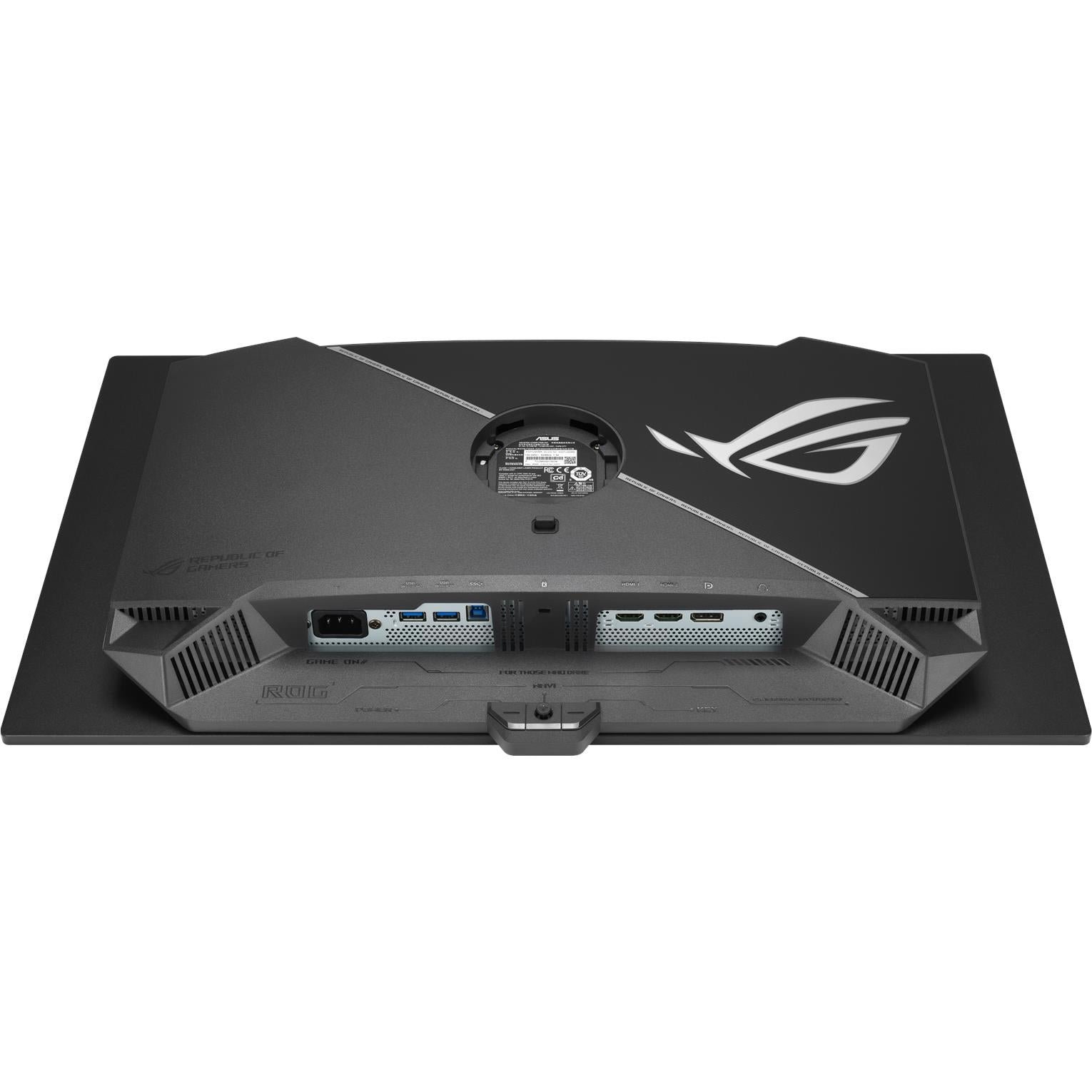
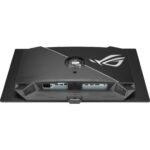
The ASUS ROG Strix XG27UQDMS 27″ 4K UHD 240Hz QD-OLED Gaming Monitor offers flexible connectivity for a multi-device setup. Its ports include:
| Connection | Practical use |
|---|---|
| DisplayPort 1.4 with DSC | High-end PC gaming at 4K and up to 240Hz with a compatible graphics card |
| 2 × HDMI 2.1 FRL | Consoles, gaming PCs, laptops, and other HDMI 2.1-capable sources |
| 2 × USB 3.2 Gen 1 Type-A | Connecting peripherals through the integrated USB hub |
| USB Type-B upstream | Linking the monitor’s USB hub to a PC |
| Headphone jack | Connecting wired headphones or speakers |
ASUS lists one DisplayPort 1.4 DSC connection, two HDMI 2.1 FRL ports, two USB 3.2 Gen 1 Type-A downstream ports, and support for frequencies up to 240Hz over both HDMI and DisplayPort.
This connectivity is useful for gamers who want to connect a desktop PC, PlayStation 5, Xbox Series X, laptop, or streaming device without constantly replacing cables. For example, you can connect a gaming PC through DisplayPort, a PlayStation 5 through one HDMI 2.1 port, and an Xbox Series X through the second HDMI 2.1 port.
The integrated USB hub can also help simplify a desktop setup. You can plug a keyboard receiver, mouse receiver, controller cable, headset accessory, or other low-power USB device directly into the monitor, reducing the number of cables that must reach your PC.
One important buying check: official ASUS specifications cited here describe DisplayPort, HDMI, USB Type-A hub ports, and USB Type-B upstream. Verify the exact regional retail model and listing before assuming USB‑C video input or USB‑C power delivery, as third-party listings can sometimes conflict or combine features from other monitor models.
ASUS ROG Strix XG27UQDMS 27″ 4K UHD 240Hz QD-OLED Gaming Monitor OLED Care
OLED panels offer major visual benefits, but they also require thoughtful long-term use because static content can create uneven wear over time. ASUS addresses this through ROG OLED Care Pro, a protection suite designed to reduce burn-in risk.
The ASUS ROG Strix XG27UQDMS 27″ 4K UHD 240Hz QD-OLED Gaming Monitor includes a Neo Proximity Sensor. ASUS says this sensor can detect when the user moves away and automatically dim or black out the display, then restore the image when the user returns. This is intended to reduce unnecessary static-image exposure when the monitor is unattended.
Other OLED-care measures can include screen cleaning cycles, pixel-shift behavior, logo or taskbar protection, and screen-saver settings, depending on the monitor firmware and configuration. Use the monitor’s menu and ASUS Display Widget Center software to review and manage available settings.
To support OLED longevity:
-
Allow the monitor to run its recommended panel-care or pixel-cleaning cycles
-
Use automatic sleep or screen-off timers when stepping away
-
Avoid leaving bright static windows, game HUDs, logos, or desktop elements on screen for extended periods
-
Use dark mode where practical for desktop applications
-
Enable available screen-protection features in the monitor settings
-
Follow ASUS instructions for cleaning and maintenance
-
Keep firmware updated when the manufacturer provides updates
These habits are sensible precautions, not a reason to avoid OLED altogether. For buyers who want outstanding contrast, HDR performance, and pixel response, OLED-care features help make the ASUS ROG Strix XG27UQDMS 27″ 4K UHD 240Hz QD-OLED Gaming Monitor more practical for mixed gaming and desktop use.
ASUS ROG Strix XG27UQDMS 27″ 4K UHD 240Hz QD-OLED Gaming Monitor Ergonomics
The ASUS ROG Strix XG27UQDMS 27″ 4K UHD 240Hz QD-OLED Gaming Monitor is designed for a premium gaming desk, and 27 inches remains one of the most versatile sizes for close-range PC use. At this size, 4K resolution provides high desktop sharpness without requiring the physical desk space of a 32-inch display.
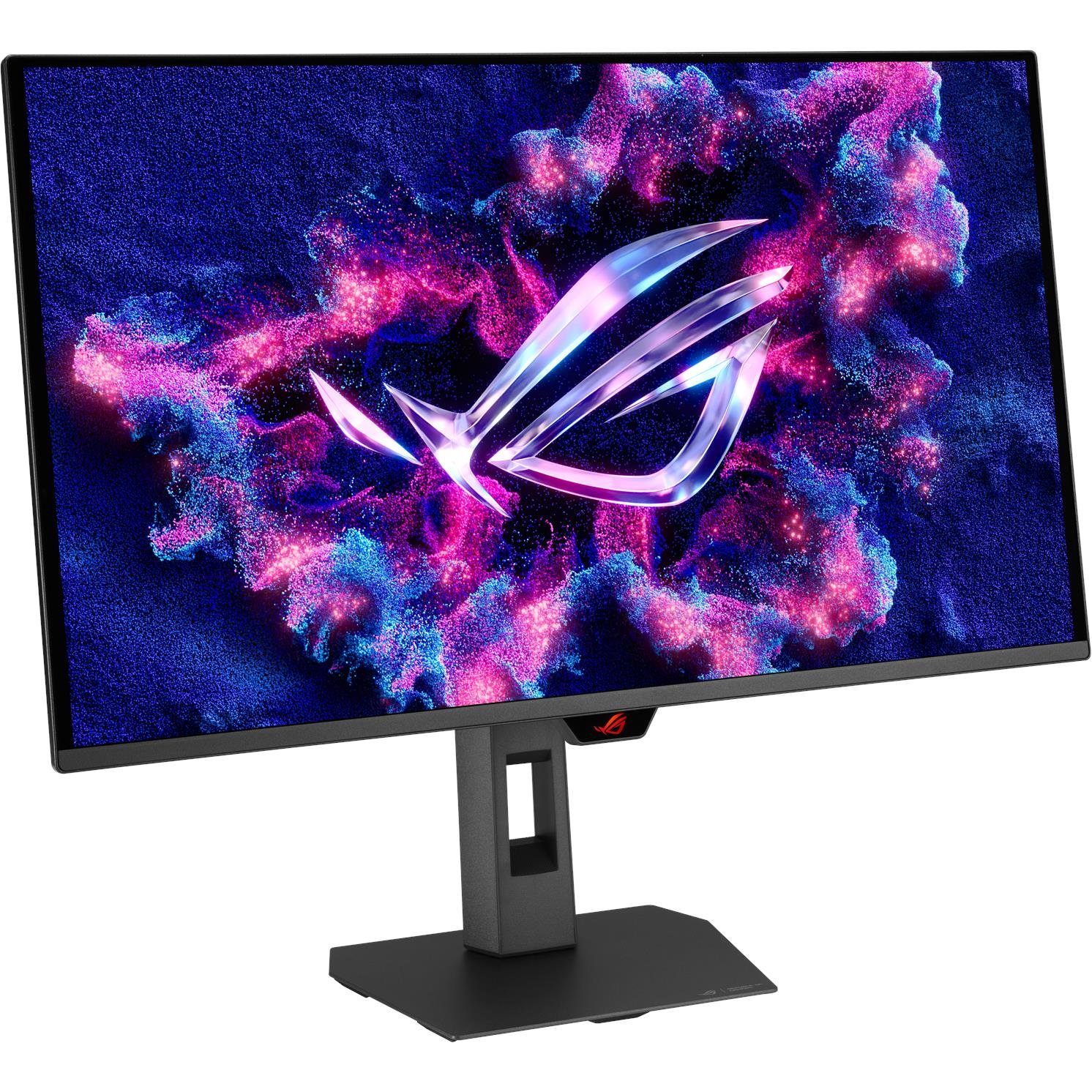
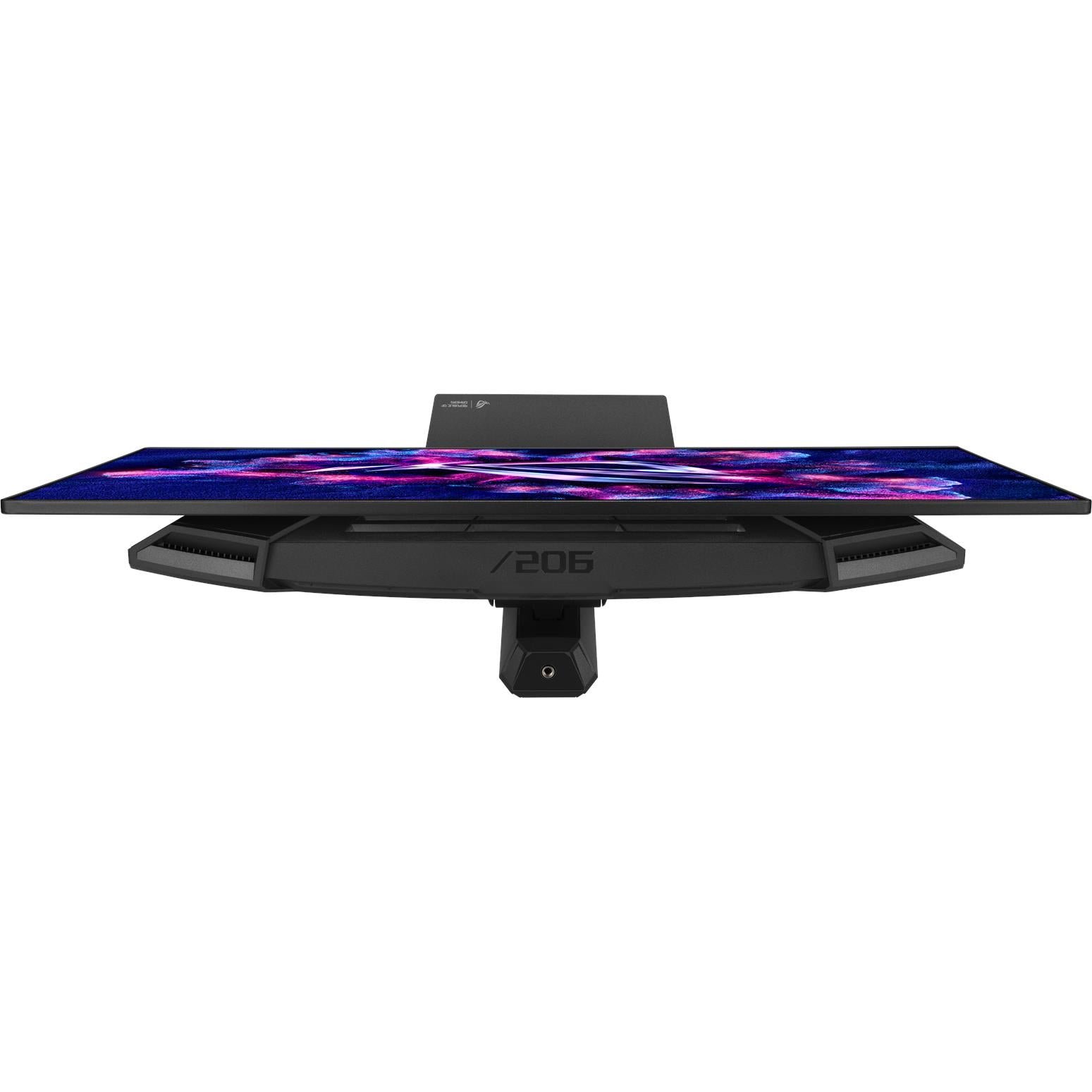
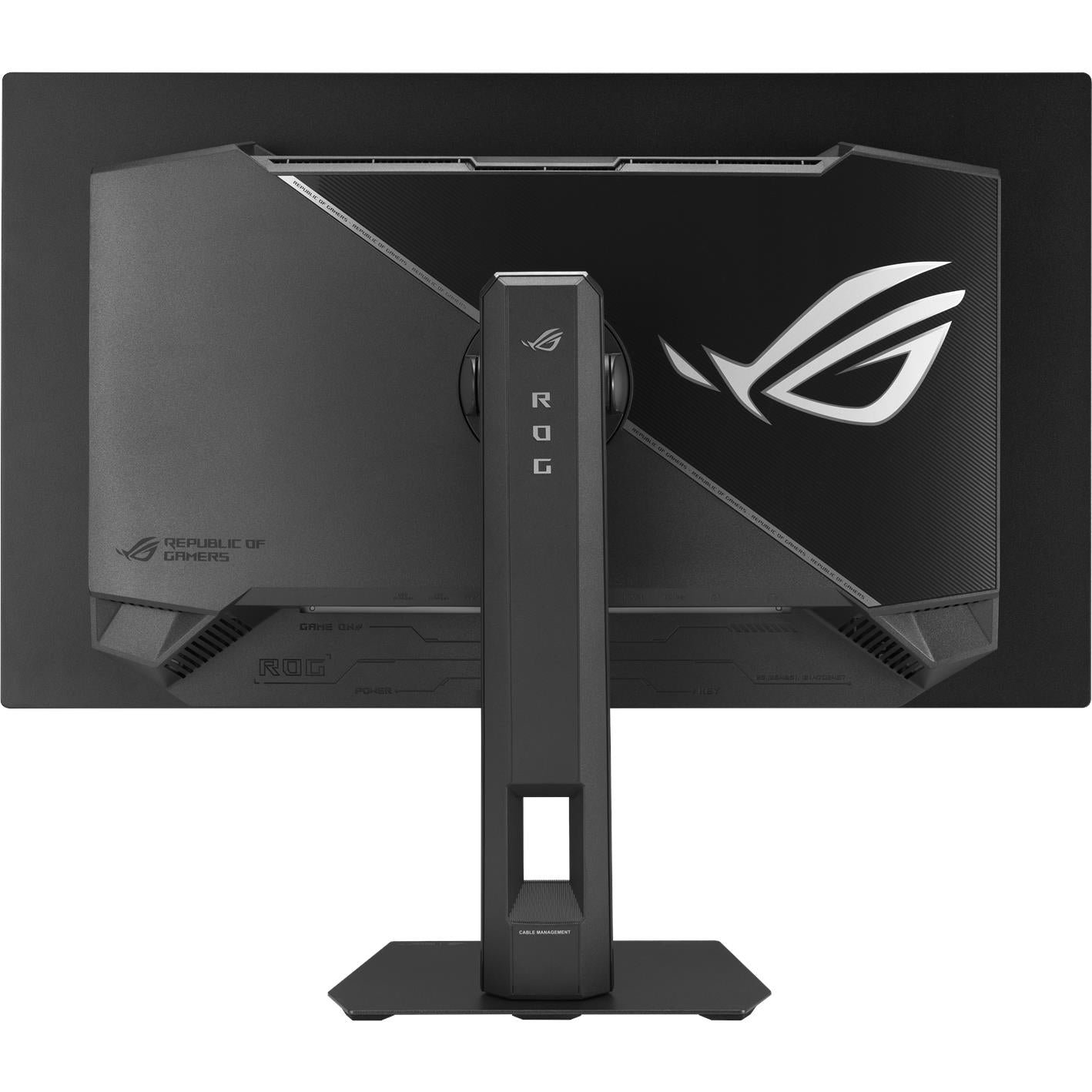
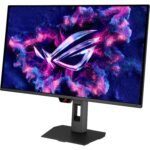
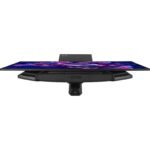
The monitor supports ergonomic adjustment, including height, tilt, swivel, and pivot functions according to retailer specifications. Pivot support can be useful for long documents, portrait photography, coding, web design, social-media layout work, or reading articles.
It also includes a 1/4-inch tripod socket, which can be useful for mounting accessories such as a camera, microphone, lighting component, or compact streaming attachment in an appropriate setup.
A 27-inch 4K monitor works best at a desk depth that allows comfortable viewing. Proper positioning should keep the top of the screen near or slightly below eye level, minimize direct reflections, and leave enough distance for your eyes to take in the full screen comfortably.
ASUS ROG Strix XG27UQDMS 27″ 4K UHD 240Hz QD-OLED Gaming Monitor for Gaming
The ASUS ROG Strix XG27UQDMS 27″ 4K UHD 240Hz QD-OLED Gaming Monitor is designed for players who want both visual quality and high-speed performance. Traditionally, many gamers had to choose between high resolution and ultra-high refresh rates. This model combines 4K, OLED contrast, 240Hz, and a 0.03ms response specification in a single display.
For competitive gamers, the 240Hz refresh rate and rapid pixel response are the key benefits. Movement appears smoother, aiming and tracking can feel more direct, and fast transitions can remain clearer than on slower LCD panels.
For single-player gaming, the OLED panel provides the strongest appeal. Deep blacks, strong contrast, rich color, detailed 4K environments, and HDR highlights can improve the sense of atmosphere in cinematic games. Horror titles, space games, RPGs, open-world adventures, and games with dynamic day-night cycles can look especially impressive.
For console users, HDMI 2.1 allows the monitor to accommodate current-generation systems. The exact supported resolution and frame-rate modes can depend on the console, game, cable, HDR setting, and firmware, so check the source device’s settings and the monitor’s current firmware for the best setup.
The main practical consideration is GPU horsepower. A 4K 240Hz display does not require every game to run at 240fps to be worthwhile, but users focused on competitive 4K 240Hz gaming should plan for a high-performance graphics card and may need to adjust game settings, use upscaling technologies, or focus on lighter esports titles.
ASUS ROG Strix XG27UQDMS 27″ 4K UHD 240Hz QD-OLED Gaming Monitor Is It Worth Buying?
The ASUS ROG Strix XG27UQDMS 27″ 4K UHD 240Hz QD-OLED Gaming Monitor is worth buying for gamers and creators who want a premium all-round display with 4K sharpness, OLED-level contrast, rapid 240Hz motion, and strong connectivity.
Its headline strengths include a 26.5-inch Tandem QD-OLED panel, 3840 × 2160 resolution, 240Hz refresh rate, 0.03ms GTG response time, G-SYNC Compatible certification, 99% DCI-P3 coverage, VESA Display HDR True Black 400 certification, 1,500,000:1 contrast ratio, HDMI 2.1, DisplayPort 1.4 DSC, and a built-in USB hub.
It is an excellent fit for buyers who:
-
Own or plan to build a powerful gaming PC
-
Want a 27-inch desktop monitor with exceptionally sharp 4K detail
-
Value fast motion clarity for competitive gaming
-
Want OLED contrast and HDR for cinematic games and media
-
Need flexible connectivity for PC, consoles, and peripherals
-
Create or edit visual content in a wide-gamut workspace
-
Are willing to use OLED-care features and sensible screen-use habits
It may be less suitable for buyers with modest GPU hardware, users who need a lower-cost monitor, or people who leave static desktop content visible continuously for extremely long unattended periods. It is also important to verify exact regional specifications and warranty terms before purchasing.
For users who want one premium display that can support 4K gaming, high-refresh competitive play, HDR media, creative projects, and modern desk-based productivity, the ASUS ROG Strix XG27UQDMS 27″ 4K UHD 240Hz QD-OLED Gaming Monitor offers an advanced and highly capable solution. Contact Us
ASUS ROG Strix XG27UQDMS 27″ 4K UHD 240Hz QD-OLED Gaming Monitor
$1,599.00 $1,039.35
The ASUS ROG Strix XG27UQDMS 27″ 4K UHD 240Hz QD-OLED Gaming Monitor is a premium display built for gamers and creators who want sharp 4K detail, OLED contrast, ultra-fast 240Hz motion, and a compact 27-inch desktop footprint.
Reliable delivery across Australia with tracking provided, so you can follow your order from dispatch to your door.
Shop with confidence. Eligible products are covered by the applicable manufacturer or supplier warranty for added peace of mind.
Changed your mind or received an item with an issue? Eligible products can be returned in accordance with our returns policy and Australian Consumer Law.






Reviews
Clear filtersThere are no reviews yet.