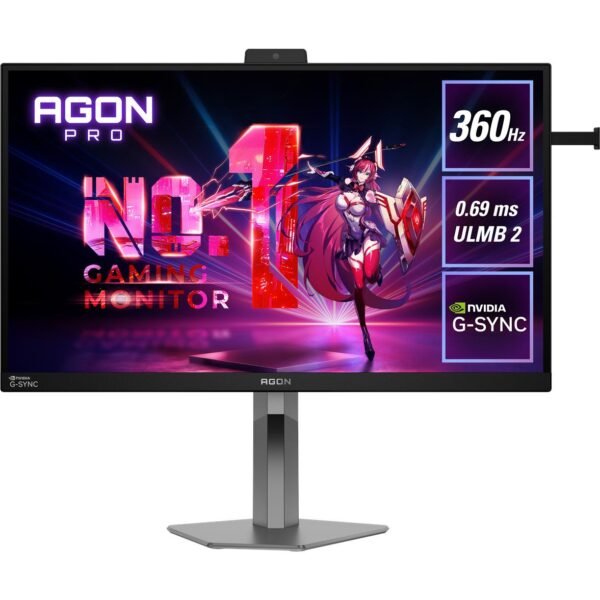
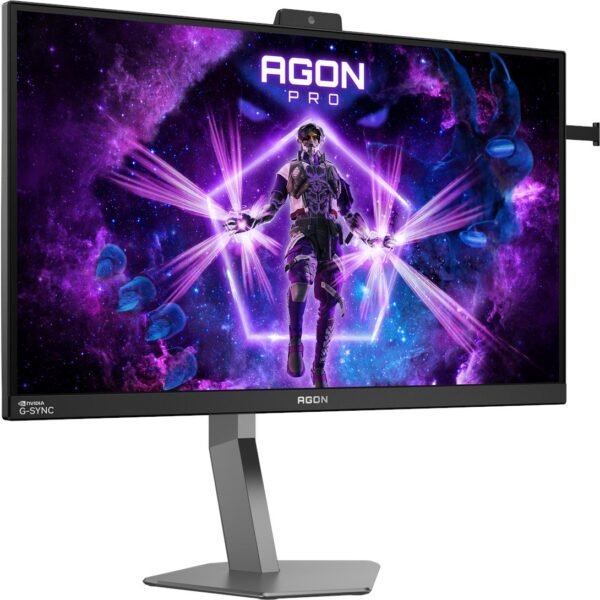
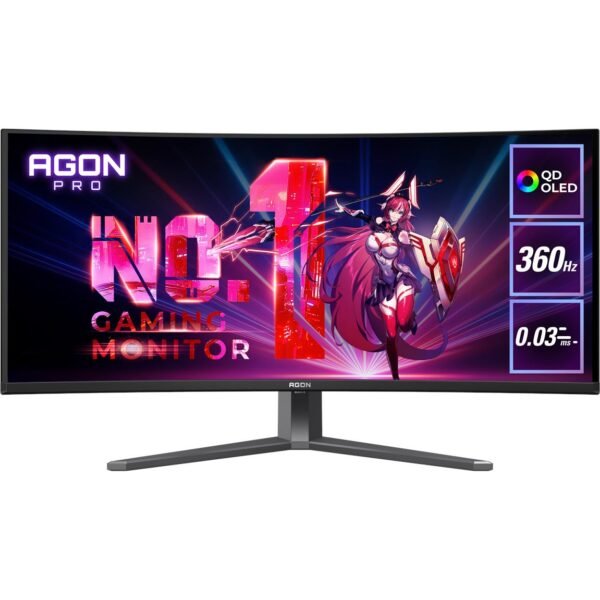
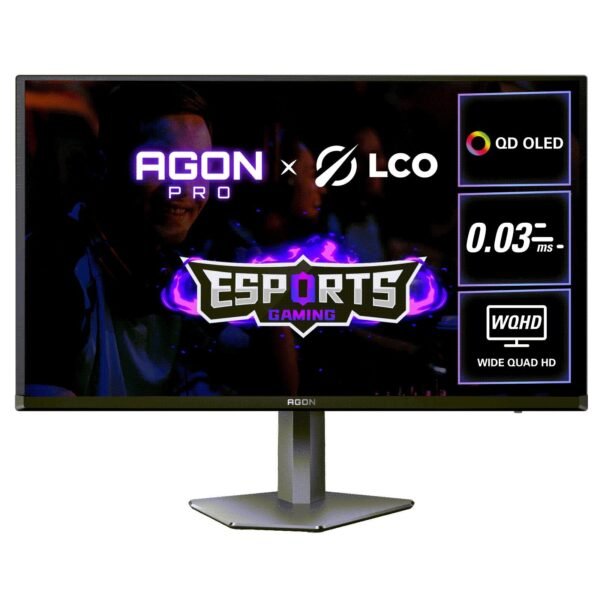
AOC Gaming Monitors: Find the Right Screen for Competitive Play and Immersive Gaming
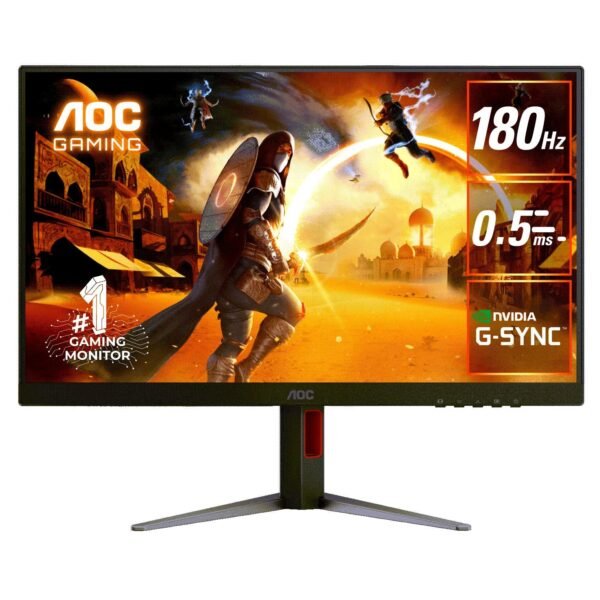
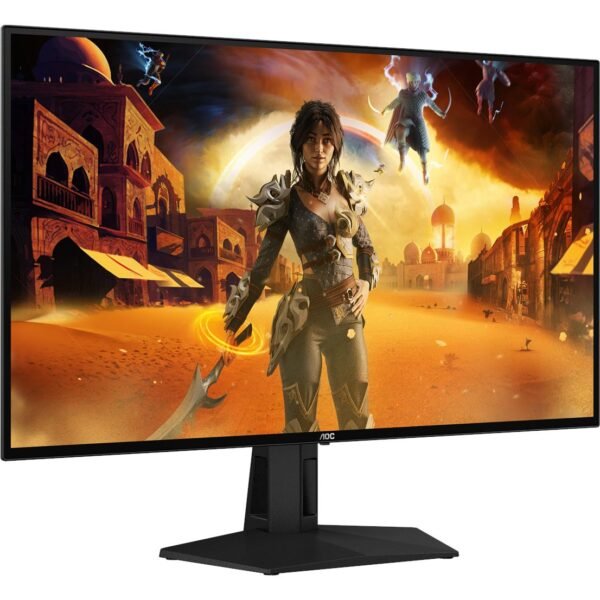
AOC Gaming Monitors give players a wide range of options, from affordable high-refresh-rate Full HD displays to premium QHD, 4K, Mini LED, and QD-OLED screens. Whether you play fast esports titles, cinematic single-player games, racing simulators, or console releases, AOC Gaming Monitors can deliver the speed, visual clarity, and adaptive display technology needed for a more responsive setup.
The best AOC Gaming Monitor is not automatically the most expensive model. It is the one that matches your PC or console, preferred games, desk space, target resolution, and budget. Buyers can choose practical 24-inch and 27-inch options for fast competitive play, larger displays for immersive gaming, and advanced panels that prioritise contrast, HDR, motion handling, or ultra-high refresh rates.
AOC Gaming Monitors
AOC Gaming Monitors are built around the display features that matter most during play: refresh rate, response time, resolution, panel type, adaptive-sync support, ports, ergonomics, and colour performance. These specifications influence not only how games look, but also how they feel.
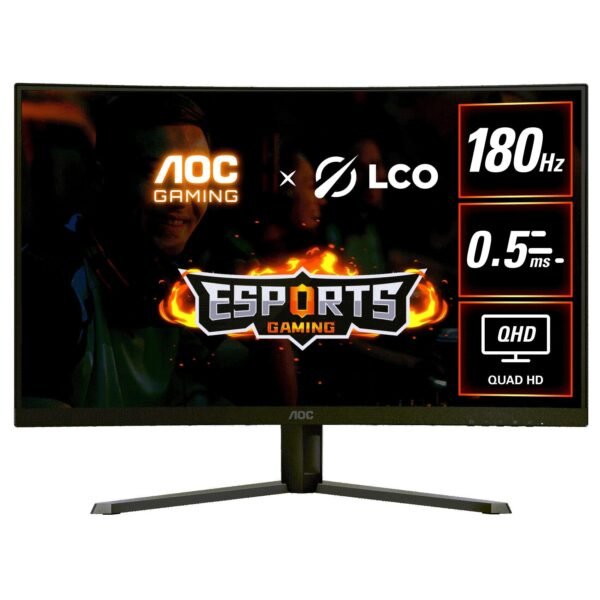
A high refresh rate improves the number of frames a monitor can display each second. A 60Hz monitor refreshes up to 60 times per second, while 144Hz, 165Hz, 180Hz, 240Hz, and 260Hz AOC Gaming Monitors can display substantially more updates when paired with a capable graphics card. For fast-moving competitive games, that can make motion appear clearer and tracking opponents feel more natural.
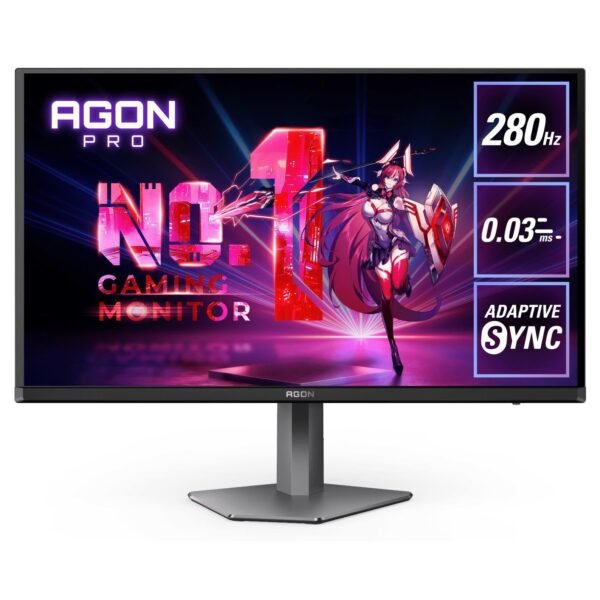
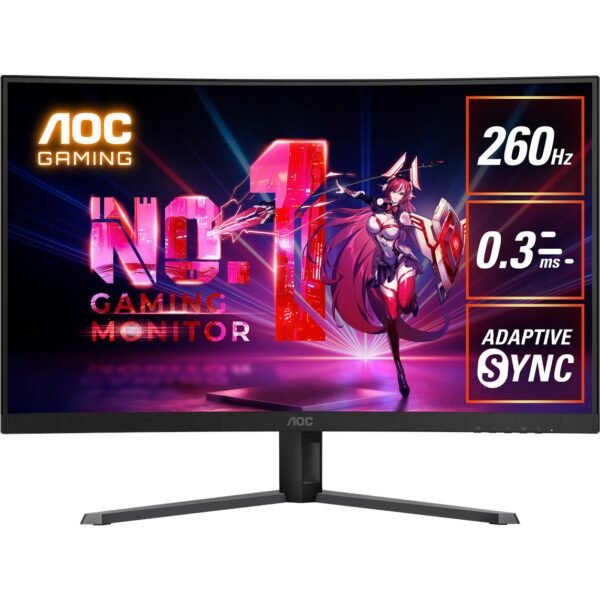
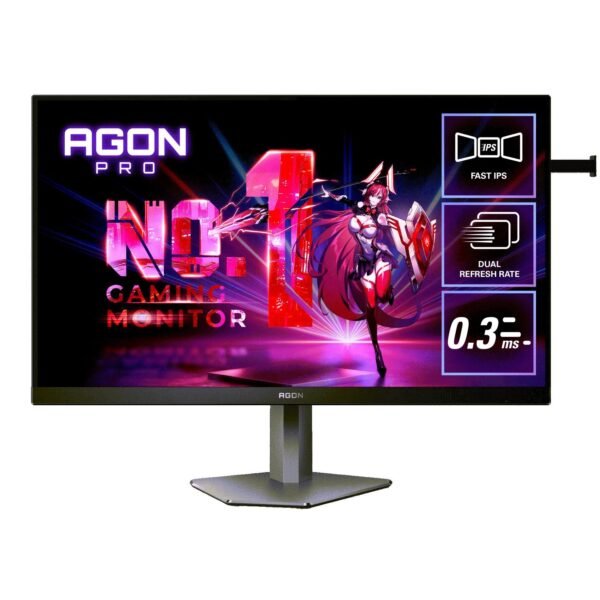
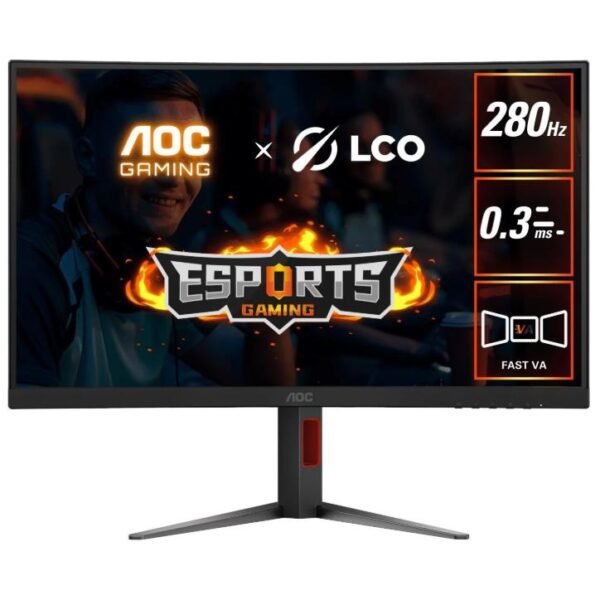
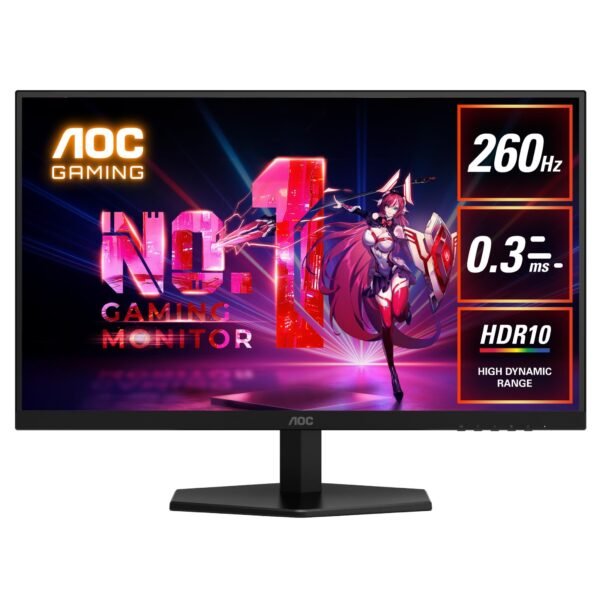
Response time is equally important. It describes how quickly pixels can transition between colours. Faster response times can help reduce distracting ghosting or motion blur. Many AOC gaming models advertise 1ms GtG response times, while specific high-speed models quote even lower Motion Picture Response Time figures. For instance, the AOC 24G50Z combines a 23.8-inch Fast IPS panel with up to a 260Hz refresh rate, 1ms GtG response time, and 0.3ms MPRT mode. https://au.minisforum.com/
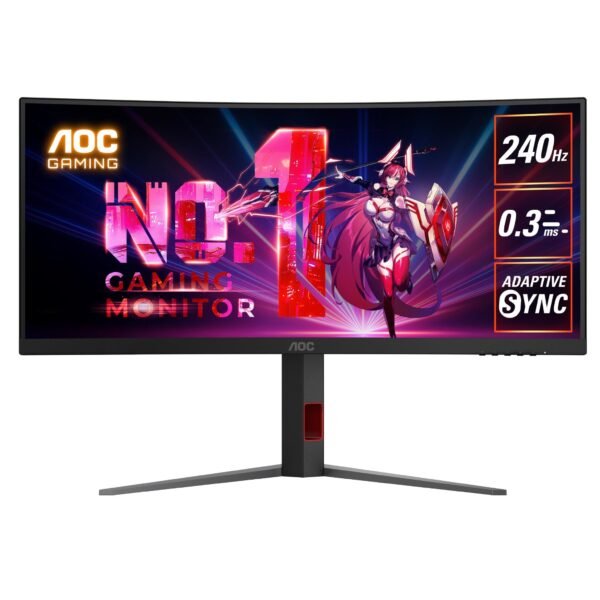
Variable refresh rate technology is another major benefit. AOC uses Adaptive Sync across many gaming displays, allowing the monitor’s refresh rate to coordinate with the frame rate produced by the graphics card. When correctly configured, this can reduce tearing, judder, and stuttering—especially when game performance fluctuates. AOC explains that Adaptive Sync aligns the vertical refresh rate with GPU frame output to make gameplay feel more fluid.
Modern AOC Gaming Monitors cover several useful categories:
AOC Gaming Monitors also appeal to buyers who want a screen that does more than gaming. A high-quality QHD IPS display can work well for work, browsing, streaming, photo viewing, and school tasks. Larger 4K options can provide more desktop room for editing and multitasking. A carefully selected gaming monitor can therefore become the centrepiece of a complete home setup rather than a single-purpose accessory.
AOC gaming monitors for sale
Finding AOC gaming monitors for sale is easier when buyers start with performance requirements rather than discount percentages. A heavily discounted monitor may still be the wrong choice if its refresh rate, resolution, panel technology, connections, or physical size do not suit the intended setup.
For gamers moving from an older 60Hz display, a 144Hz, 165Hz, or 180Hz AOC Gaming Monitor can be a substantial upgrade. The AOC Q27G2S, for example, uses a 27-inch QHD IPS panel with up to 170Hz refresh support, 1ms MPRT response time, and G-Sync compatibility. That specification makes the format especially relevant for mainstream PC gamers who want sharper 1440p visuals without sacrificing responsive motion. Contact Us
For buyers who care primarily about competitive speed, the AOC 25G3Z offers a different approach: a 25-inch Full HD display with a 240Hz refresh rate, Adaptive Sync, 1ms GtG response time, and low input lag. That combination is designed around fast reactions and clear motion rather than increased resolution.
When browsing AOC gaming monitors for sale, compare the following before buying:
Screen size and whether it suits your available desk space.
Native resolution: Full HD, QHD, ultrawide, or 4K.
Maximum refresh rate through both HDMI and DisplayPort.
Panel type, such as IPS, Fast IPS, VA, Mini LED, or QD-OLED.
Variable-refresh-rate compatibility with your graphics card or console.
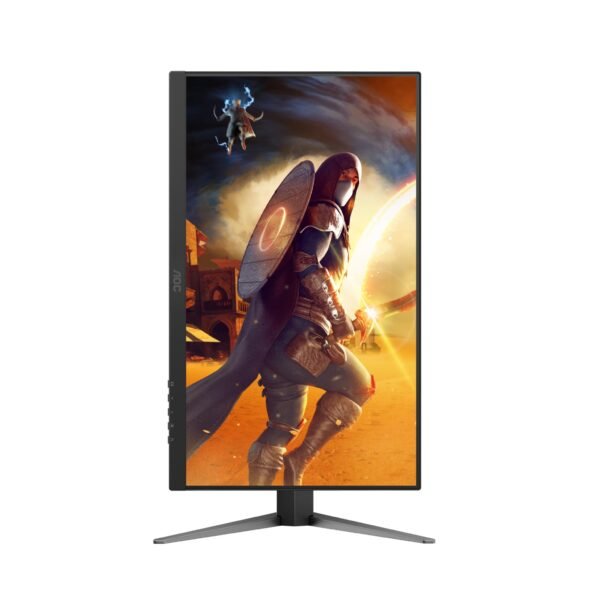
Stand adjustments, including tilt, height, swivel, and pivot.
Number and type of input ports.
Warranty support, retailer return policy, and dead-pixel policy.
Final delivered price rather than the advertised discount alone.
Sales can provide real value, but a price reduction should be the final reason to choose a display—not the only reason. The right AOC Gaming Monitor should deliver suitable performance long after the sale ends.
AOC gaming monitor for sale
An AOC gaming monitor for sale can represent a strong upgrade opportunity for players building their first desktop gaming setup, replacing a basic office monitor, or adding a second screen. The most important decision is usually whether to prioritise resolution or refresh rate.
For example, a 1080p 240Hz AOC Gaming Monitor can be ideal for a competitive player whose PC produces very high frame rates in games such as tactical shooters, battle royale games, fighting games, and sports titles. A 1440p 180Hz monitor may be the stronger choice for someone who plays a mix of multiplayer and cinematic titles and wants noticeably more desktop space and image detail.
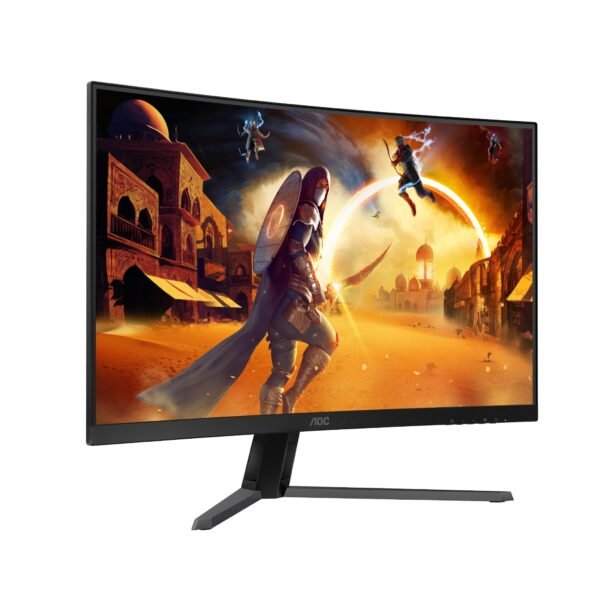
The Q27G4X is a useful example of this middle-ground strategy. It combines QHD resolution, a Fast IPS panel, 180Hz refresh rate, and 1ms GtG response time. AOC positions the panel around strong colour reproduction, contrast, speed, and all-round gaming versatility.
A sale-priced monitor should still match the computer driving it. Pairing a high-resolution monitor with a modest GPU can mean lower frame rates in demanding games. On the other hand, choosing a 1080p display when your gaming PC is built for 1440p or 4K can leave visual detail on the table.
A practical rule is to identify the games you play most often:
Choose Full HD and 180Hz to 260Hz if frame rate and reaction speed come first.
Choose QHD and 165Hz to 180Hz for an all-round gaming and productivity balance.
Choose QHD at 240Hz if you have a high-performance PC and value both clarity and competitive speed.
Choose 4K when image detail, large-screen immersion, creative work, and premium graphics are the top priorities.
buy AOC gaming monitor
When you buy AOC gaming monitor products, start by checking what your graphics card, console, and connection type can actually support. This simple step prevents a common problem: buying a monitor with a feature set that your current hardware cannot fully use.
For PC gaming, DisplayPort is often important for accessing the maximum refresh rate on many monitors. Some AOC models offer different maximum refresh rates depending on whether the connection is HDMI or DisplayPort. For example, the Q27G4X supports up to 180Hz through DisplayPort 1.4, while HDMI 2.0 supports up to 144Hz at its listed QHD resolution.
Console players should pay close attention to HDMI bandwidth, supported resolutions, refresh-rate limits, and variable refresh rate compatibility. A monitor designed mainly for PC gaming may still work well with a console, but the console might not access every headline specification. Checking the manufacturer’s technical listing and the console’s display settings before purchase is essential.
Use this buying checklist before completing an order:
Confirm your preferred screen size. A 24- or 25-inch monitor suits focused competitive gaming, while 27 inches is a popular QHD sweet spot. Larger 31.5-inch and 32-inch displays can suit immersive play and workspaces.
Match the resolution to your GPU. Full HD is easier to drive at very high frame rates. QHD demands more graphics power but improves sharpness. 4K requires considerably more GPU performance in demanding games.
Check the refresh rate you can realistically achieve. A 240Hz display is most useful when your system can produce high frame rates in the games you play.
Consider panel technology. Fast IPS is often valued for speed, colour, and wide viewing angles. VA can offer stronger contrast. Mini LED improves local-dimming HDR capability, while QD-OLED targets premium contrast, colour, and pixel response.
Verify ports and cables. A monitor may include HDMI and DisplayPort, but your chosen connection must support the desired resolution and refresh-rate combination.
Factor in ergonomics. A height-adjustable stand or VESA mount compatibility can make a meaningful difference during long gaming or work sessions.
Compare total cost. Include delivery, optional extended cover, cable requirements, and any accessories you may need.
AOC gaming monitors online
Shopping for AOC gaming monitors online gives buyers more model choice and makes it easier to compare product specifications, reviews, retailer stock, and pricing. However, online shopping also requires a more careful approach because product names can be similar while feature sets differ substantially.
One useful online-shopping strategy is to compare exact model numbers rather than relying only on screen size or series name. Two 27-inch AOC Gaming Monitors may have very different panels, refresh rates, HDR capabilities, connectivity, stand designs, and prices.
For example, AOC’s U32G4 is a 31.5-inch Fast IPS monitor that offers a dual-mode design: 4K at 160Hz or Full HD at up to 320Hz. It also includes Adaptive Sync, VESA DisplayHDR 400, low-input-lag support, game modes, and eye-comfort features. This model is built for users who want the flexibility to switch between detailed 4K gaming and extremely fast Full HD competitive play.
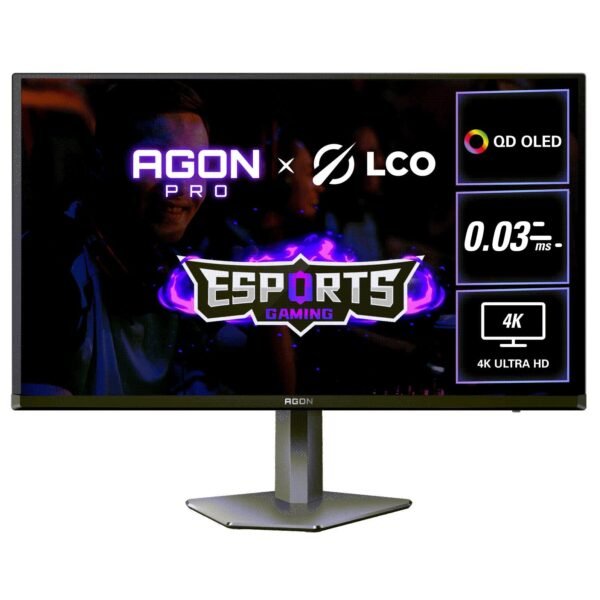
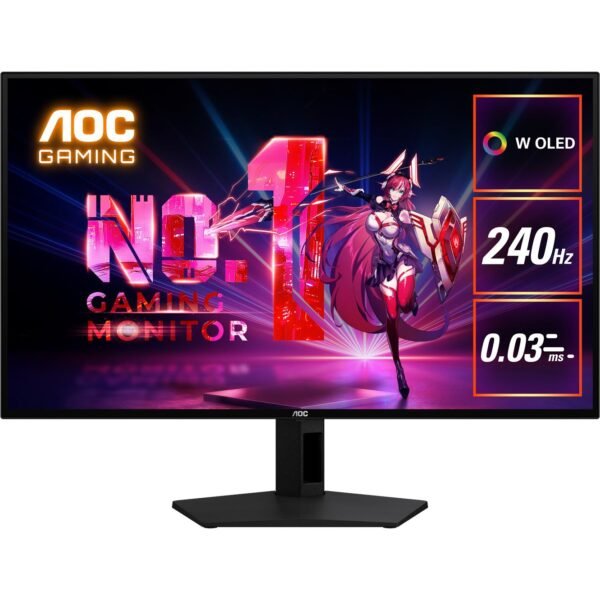
At the premium end, the AOC Q27G4ZDR uses a 26.5-inch QD-OLED panel with 2560 × 1440 resolution, 240Hz refresh rate, 0.03ms GtG response time, HDR10, Adaptive Sync with G-Sync compatibility, HDMI 2.1, a USB hub, and a three-year warranty. It is positioned for gamers who want high-level motion performance and OLED-style visual quality in a QHD format.
Before buying AOC Gaming Monitors online, make sure the retailer clearly states:
The exact model number and regional version.
Whether the product is new, open-box, refurbished, or display stock.
Included cables and accessories.
Manufacturer warranty eligibility.
Delivery timing and shipping fees.
Change-of-mind return conditions.
Pixel-defect or panel-quality policies.
Current price and whether the listed promotion has an end date.
This information matters because a monitor is a long-term purchase. A few minutes spent checking the product page and retailer policy can avoid disappointment after delivery.
AOC monitor deals
AOC monitor deals can appear during major promotional events, retailer clearance periods, seasonal sales, stock refreshes, and limited brand campaigns. Buyers should treat any deal as time-sensitive and verify the live price before checking out.
Retail pricing can vary widely by model. One Australian retailer category listing showed examples of AOC Gaming Monitors reduced from $649 to $499 and from $369 to $299, demonstrating how sale periods can create meaningful differences from prior listed prices. Another promotion advertised AOC Gaming and AGON monitor discounts of up to $200, scheduled from 20 August through 23 September 2026.ple.
The important point is that AOC monitor deals are not always limited to older products. Retailers may discount current models during promotional windows, bundle them with other components, or reduce pricing to compete with alternatives from other gaming-monitor brands.
To judge whether a deal is genuinely good:
Compare the sale price with several reputable retailers.
Search using the exact model number.
Check the monitor’s recent price history if available.
Avoid assuming a large “was” price is the normal market price.
Look at the full specification, not just the discount label.
Confirm that the screen includes the stand, cables, and full manufacturer warranty.
Check whether a better-value alternative has higher refresh rate, better ergonomics, or a more suitable panel.
A discount is useful only if it brings the right monitor into your budget. Saving money on an unsuitable 1080p screen is rarely better than investing slightly more in a QHD model that better matches your gaming PC and long-term needs.
AOC gaming monitor deals
The best AOC gaming monitor deals generally match one of three buyer profiles: the competitive player seeking maximum refresh rate, the all-round player who wants QHD clarity and fast motion, or the enthusiast wanting a premium HDR or OLED display.
For competitive gaming, look for Full HD AOC Gaming Monitors in the 180Hz to 260Hz range. The 24G50Z, for example, combines a 23.8-inch Fast IPS panel, 260Hz maximum refresh rate, Adaptive Sync, and very fast advertised response performance. This type of model is often a better purchase than a larger, higher-resolution screen when the goal is esports speed.
For all-round 1440p gaming, a model such as the Q27G4X can offer a strong value proposition. The 27-inch QHD Fast IPS format, 180Hz refresh rate, and 1ms GtG response time make it suitable for a broad range of game genres, while the larger QHD workspace can also improve productivity and content viewing.
For buyers who want deeper contrast and a more premium visual experience without immediately moving to OLED pricing, AOC’s Q27G3XMN is worth considering when it appears in a sale. The monitor is listed with a 180Hz refresh rate and Adaptive Sync, and it has also been identified as a standout budget gaming-monitor option by RTINGS, which specifically highlights its picture quality relative to many competitors in the value category.
A strong deal should not push you into a display category you do not need. If you mostly play competitive shooters and have a mid-range GPU, an affordable fast Full HD screen may be the smarter purchase. If you spend equal time gaming, working, and watching media, a QHD 27-inch AOC Gaming Monitor may deliver better everyday value.
AOC monitor sale
During an AOC monitor sale, it is useful to separate permanent value from temporary marketing. The right buying decision combines the current sale price with the monitor’s expected usefulness over several years.
A 27-inch QHD screen remains a practical choice for many PC gamers because it offers more detail than Full HD while avoiding the performance demands of 4K. QHD also creates more usable desktop workspace for productivity, browser windows, editing tools, and communication apps.
For users focused on display performance, compare these categories:
AOC’s Q27G42ZE illustrates how fast QHD IPS monitors are developing. It uses a 27-inch Fast IPS panel with 2560 × 1440 resolution, refresh rates up to 260Hz through DisplayPort, 0.3ms MPRT, 1ms GtG, HDR10, and Adaptive Sync. It also lists wide colour coverage and a Delta E rating below 2, making it relevant to buyers who want a gaming monitor that can also handle colour-conscious general work.
AOC gaming monitor price
The right AOC gaming monitor price depends on what level of performance you need. Rather than seeking one universal price point, buyers should create a budget tier based on the games they play and the hardware they own.
Entry-level value
Affordable AOC Gaming Monitors often focus on 1080p resolution, 24- to 27-inch screens, and elevated refresh rates. These displays can offer a major improvement over traditional 60Hz office monitors and are highly suitable for esports, casual PC gaming, and first desktop setups.
Mid-range sweet spot
The mid-range category often centres on 27-inch QHD displays with refresh rates from around 165Hz to 180Hz. For many gamers, this is the best balance between image sharpness, desktop usability, graphical demand, and price. AOC models in this segment commonly use Fast IPS technology and Adaptive Sync support.
Premium performance
Premium AOC Gaming Monitors may add 240Hz or higher refresh rates at QHD, 4K capability, Mini LED backlighting, QD-OLED panels, HDMI 2.1, better HDR, USB hubs, enhanced stands, or dual-mode operation. These displays cost more because the panel technology and feature set are more advanced, not simply because the screen is larger.
Always compare the price against the complete package. A less expensive monitor with a fixed stand and limited ports may cost more to live with than a slightly higher-priced option with better adjustability, superior connectivity, and a panel suited to your actual games.
AOC gaming monitor best price
Finding the AOC gaming monitor best price requires timing, comparison, and a clear understanding of which specifications matter to you. The lowest listed price is not always the best price if it applies to older stock, a limited warranty, a display unit, or a configuration with features you will not use.
Start by narrowing your search to a small group of suitable displays. Then compare live prices across established retailers, review shipping charges, examine returns policies, and look for official sale periods. Search results can show meaningful variation: Australian retailers have advertised discounts of hundreds of dollars on selected AOC monitor models, while short-term brand promotions may have specific start and end dates.ple.
A good value comparison should include:
Current price and delivery cost.
Panel technology and native resolution.
Maximum refresh rate through your intended connection.
Response-time specification and available motion-blur modes.
Adaptive Sync or G-Sync compatibility.
Stand adjustment and VESA mounting options.
Warranty length and retailer support.
Included accessories and cable requirements.
For buyers with a fixed budget, it is usually better to prioritise the panel and refresh rate over decorative extras. RGB lighting, aggressive styling, and bundled software can be enjoyable, but smooth motion, suitable resolution, good contrast, reliable connectivity, and a comfortable stand affect the experience every day.
affordable AOC gaming monitors
Affordable AOC gaming monitors make it possible to build a responsive gaming setup without paying premium OLED or 4K prices. The key is to choose an affordable model that performs well for the games you actually play instead of chasing specifications that your PC cannot utilise.
For many people, affordable does not mean slow. The AOC 27G2 demonstrates this clearly: it uses a 27-inch IPS panel at 1920 × 1080 resolution, a 144Hz maximum refresh rate, FreeSync support, and G-Sync Compatible certification. It is designed to offer smoother gaming than a standard 60Hz display while remaining accessible to players with mainstream hardware.
A budget-conscious buyer can also consider the AOC Q27G3XMN when discounted. RTINGS has described the 27-inch, 1440p model as its top budget gaming-monitor choice, noting that it offers better picture quality than many competing value-focused options. It supports a 180Hz refresh rate and Adaptive Sync, creating a compelling specification for gamers who want to move beyond 1080p.
The smartest way to choose affordable AOC Gaming Monitors is to focus on lasting priorities:
Buy 1080p high refresh if competitive frame rate is your main goal.
Buy 1440p at 165Hz or 180Hz if you want a versatile PC gaming and productivity monitor.
Choose a smaller 24- or 25-inch screen for focused esports play.
Choose 27 inches for a more immersive balance of gaming and daily computer use.
Wait for a trusted retailer sale if the model you want is slightly above budget.
Verify the exact specification and warranty before placing an order.
AOC Gaming Monitors offer choices for nearly every type of player, from someone buying a first high-refresh-rate display to an enthusiast creating a premium QD-OLED or 4K gaming station. By matching resolution, refresh rate, panel technology, connections, and price to your real setup, you can choose a monitor that improves every game—not only the first one you play after unboxing it. Contact Us